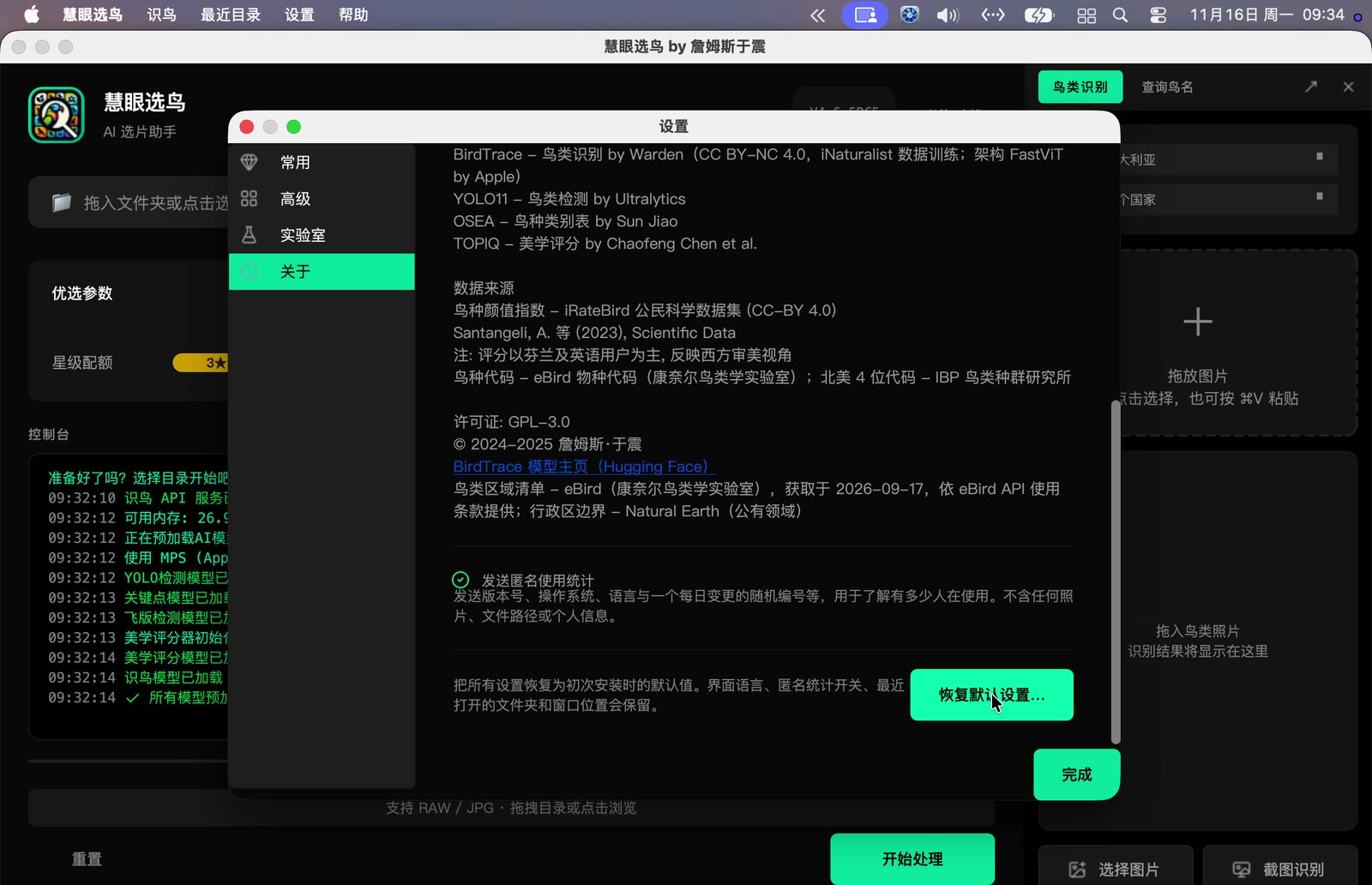
设置整合为四页:常用、高级、实验室、关于。Settings now has four pages — General, Advanced, Labs and About.
从 设置 → 参数设置 打开。常用页放最常改的:摄影水平(见 第 04 章)、飞鸟和连拍检测开关。
识鸟:是否自动识别鸟种、国家和地区、英文鸟名标准。
整理方式:先按鸟种还是先按星级分文件夹、处理完是否播放提示音、删除前是否确认。
Open Settings → Preferences. General holds the things you change most: Skill level (see Chapter 04) and the flight and burst toggles.
Bird ID: automatic identification, country and region, and the English naming authority.
Organizing: species-first or rating-first folders, a sound when done, and confirmation before deleting.
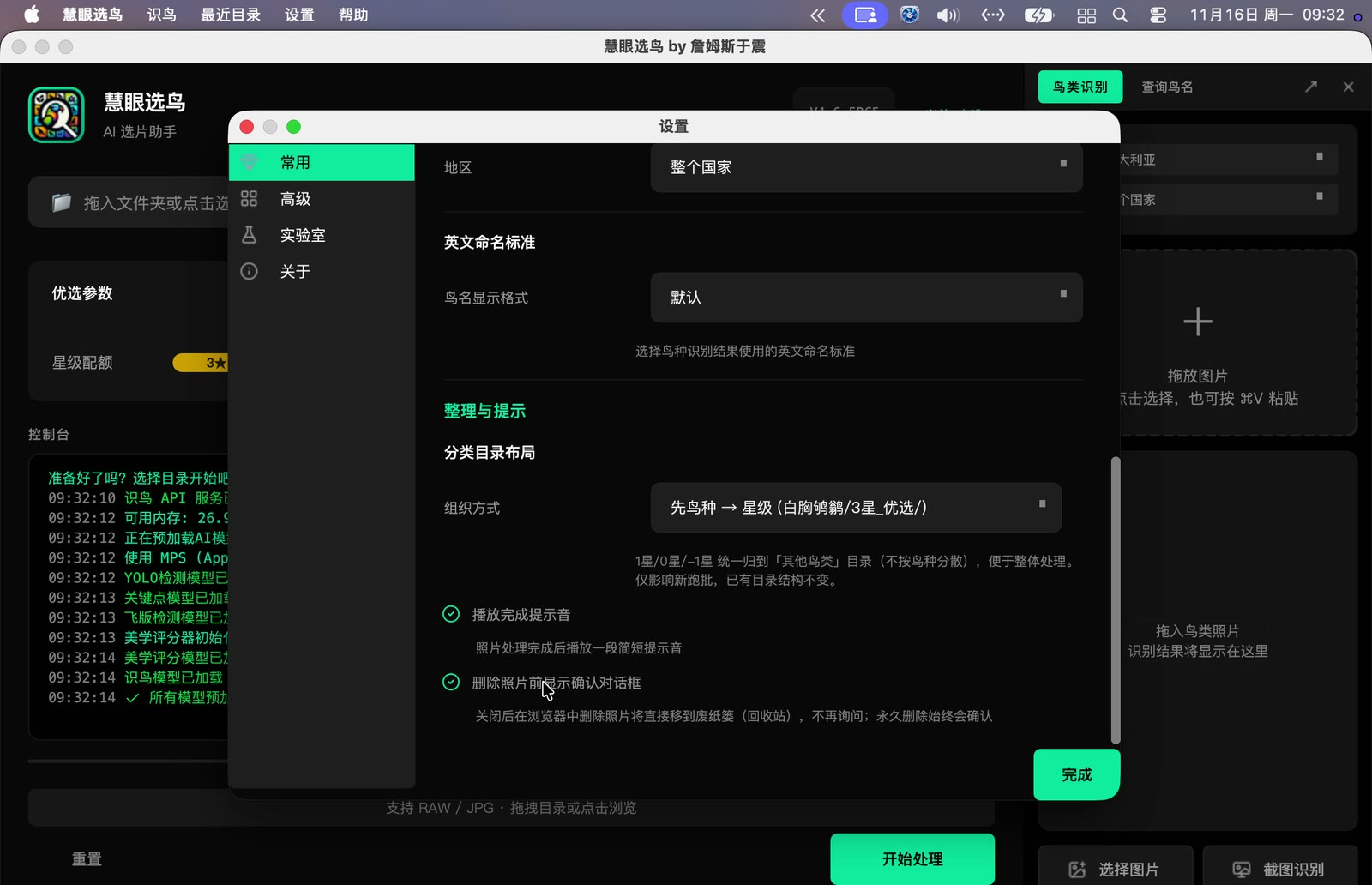
高级页按类别折叠。评分:可以切回旧版固定阈值打分、调整脱焦判定线、只处理某几种相机的 RAW。
输出与元数据 最值得了解:默认情况下,尼康、佳能等 专有 RAW 只写 XMP 边车文件,不改动原片。如果你的软件不读边车文件,可以打开 同时写入专有 RAW 本体。下面还能挑选 写入哪些字段,一键精简为只保留星级、题注、锐度和美学分。
存储:清理预览缓存。删掉的只是隐藏文件夹里的缩略图和裁切图,不影响照片和星级。
Advanced is grouped into collapsible sections. Rating: switch back to legacy fixed thresholds, adjust the missed-focus threshold, or limit processing to certain RAW formats.
Output & metadata is the one to know: by default proprietary RAW files (Nikon, Canon…) only get an XMP sidecar and the original is untouched. If your software ignores sidecars, enable Also write into proprietary RAW files. You can also choose which fields to write, or trim to just rating, caption, sharpness and aesthetics.
Storage: clear the preview cache — only thumbnails and crops in the hidden folder are removed, never photos or ratings.
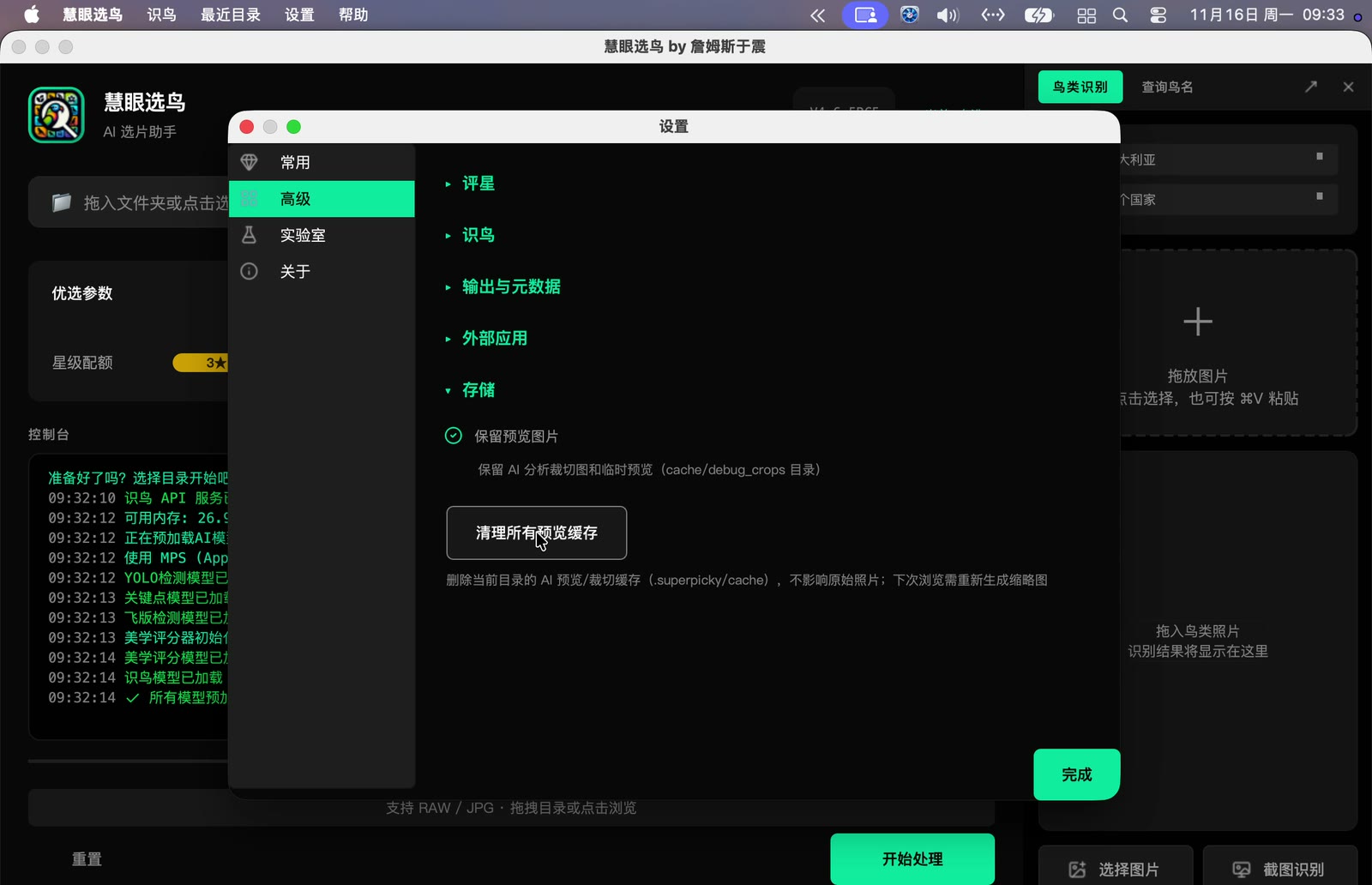
Labs holds features still being polished — Reports, eBird export, Multiple folders, Incremental culling and Video analysis. All are off by default; their buttons appear once enabled (see Chapter 12, Chapter 14, Chapter 15, Chapter 16).
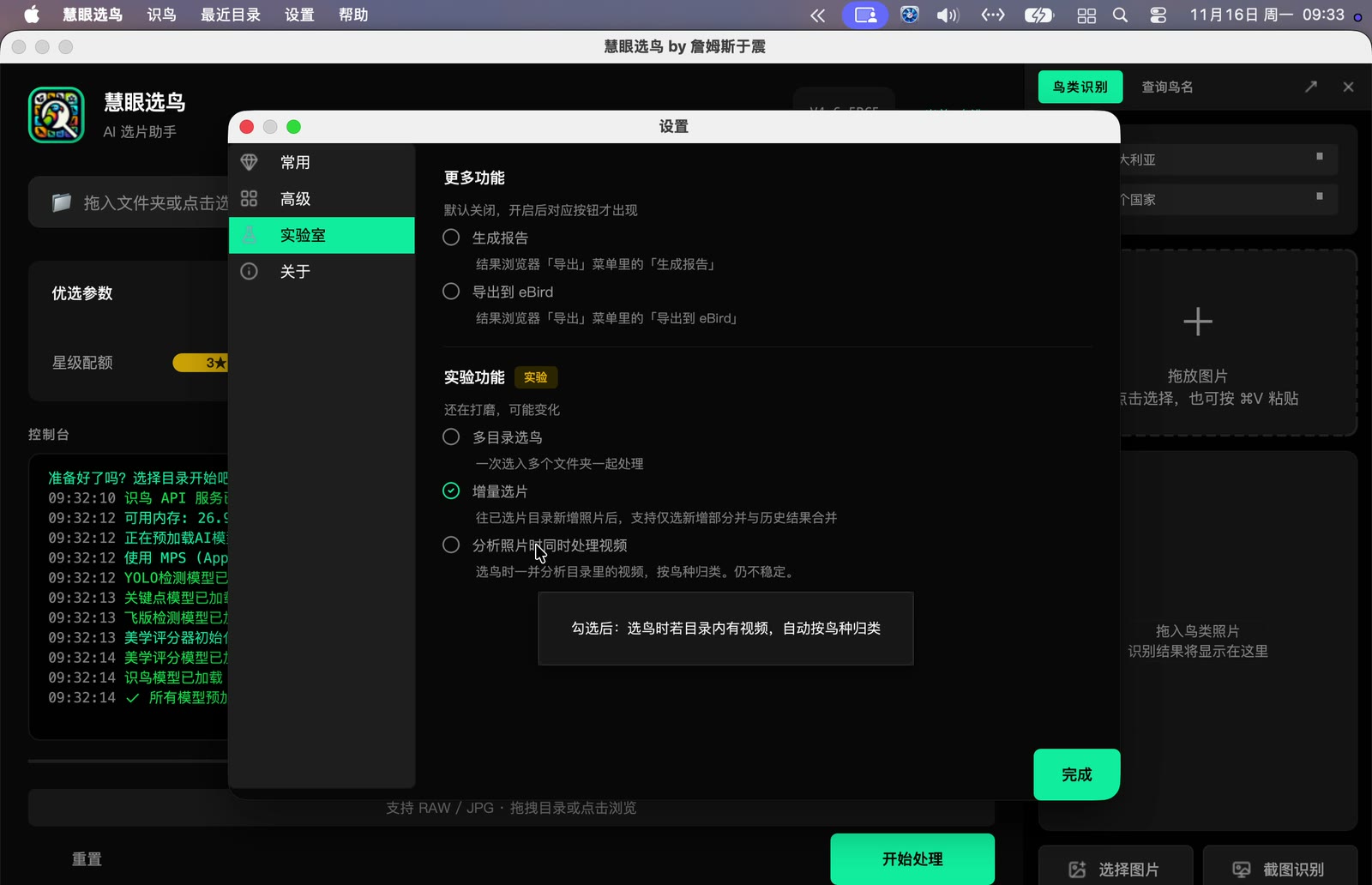
检查更新、关闭匿名使用统计。设置改乱了可以点 恢复默认设置,软件会先备份,再恢复成刚安装时的样子。
界面语言在 设置 菜单里切换,支持简体中文、繁体中文和英文。
Check for updates or turn off anonymous usage statistics. If settings get messy, Restore defaults backs them up and resets everything to a fresh install.
The interface language (Simplified Chinese, Traditional Chinese, English) is in the Settings menu.