选过的目录怎么重新选,新加的照片怎么只选新的,怎么一键恢复原样。Re-running a culled folder, processing only new photos, and restoring everything.
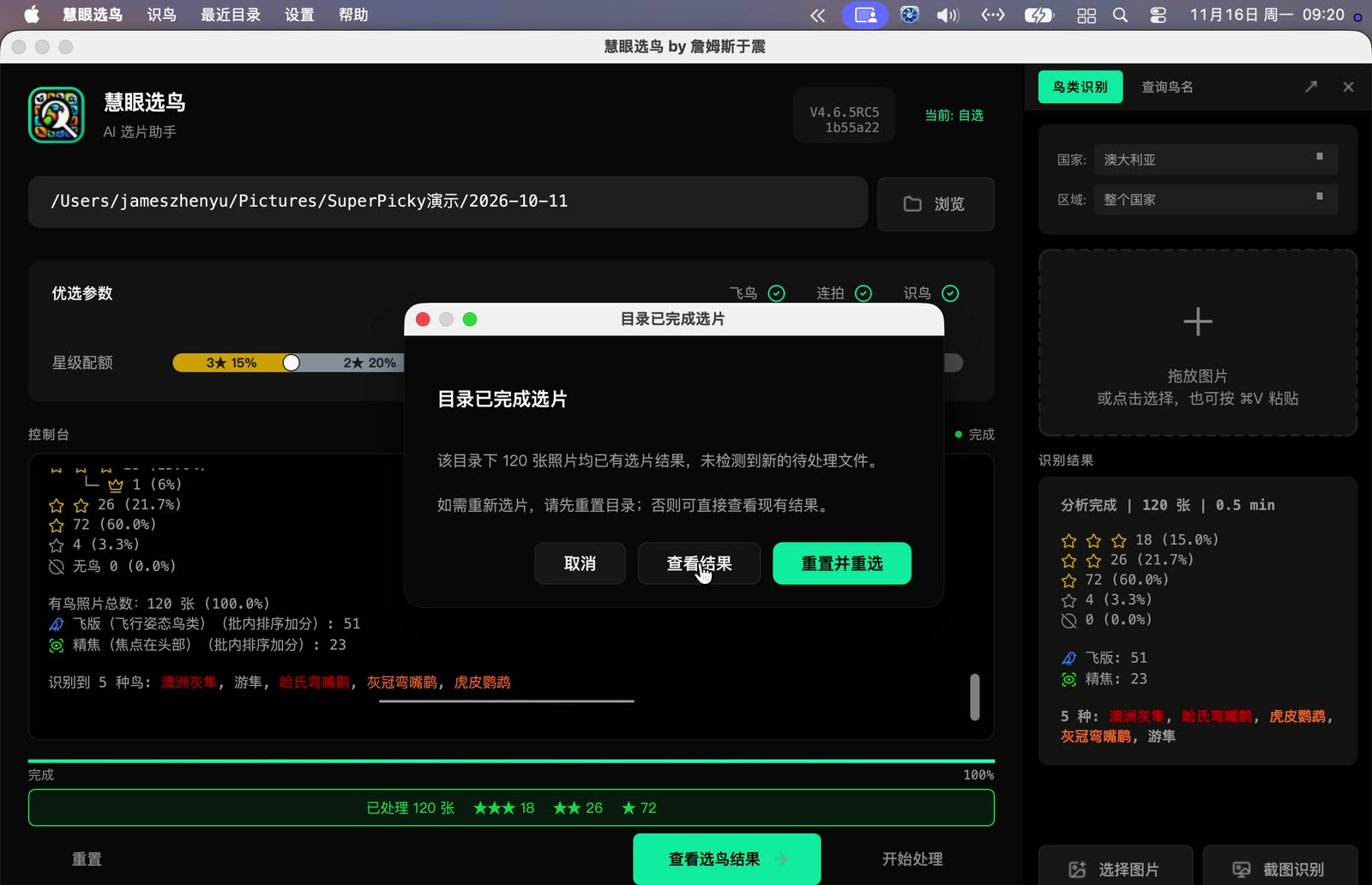
对已经选过的目录再点 开始处理,软件会先提醒你:可以直接 查看结果,或 重置 之后重新选。它不会再悄悄覆盖你手动改过的星级和鸟种。
Pressing Start on a folder that was already culled now asks first: View results, or Reset and cull again. Your manual rating and species edits are never silently overwritten.
过几天又往文件夹里放了新照片?先在 设置 → 实验室 打开 增量选片。
主界面的按钮会变成 增量选片 +N,控制台提示发现了 N 个新文件。点它确认后,软件 只处理新照片,之前的评分和手动修改都保留,新照片与旧照片一起重新排名。
完成后控制台显示:本次为增量选片,新处理多少张,目录累计多少张。
Added new photos a few days later? Turn on Incremental culling in Settings → Labs.
The button becomes Incremental +N and the console reports N new files. Confirm, and SuperPicky processes only the new photos, keeping earlier ratings and your edits, then ranks new and old together.
The console then reports how many were processed this time and the folder total.
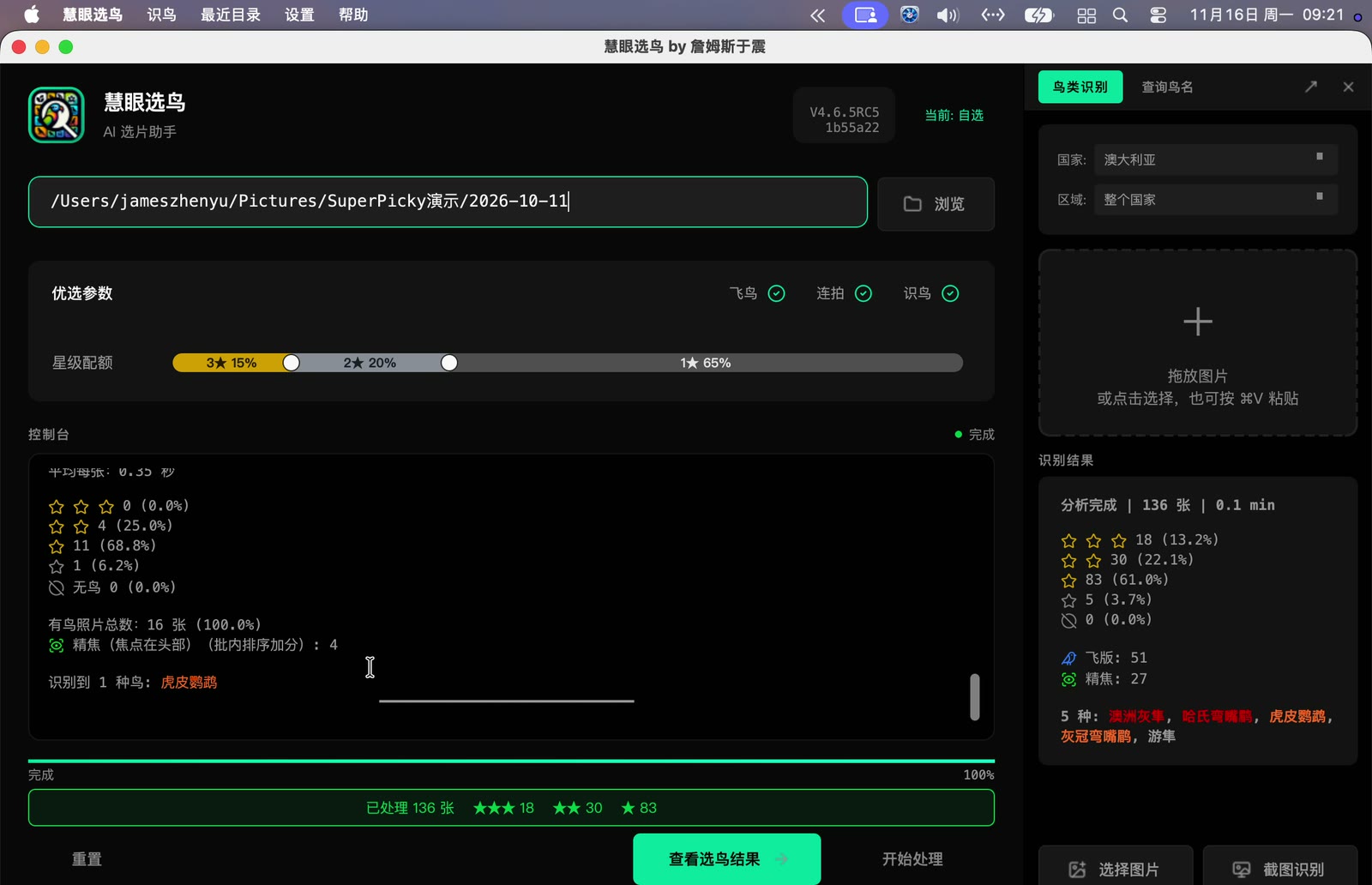
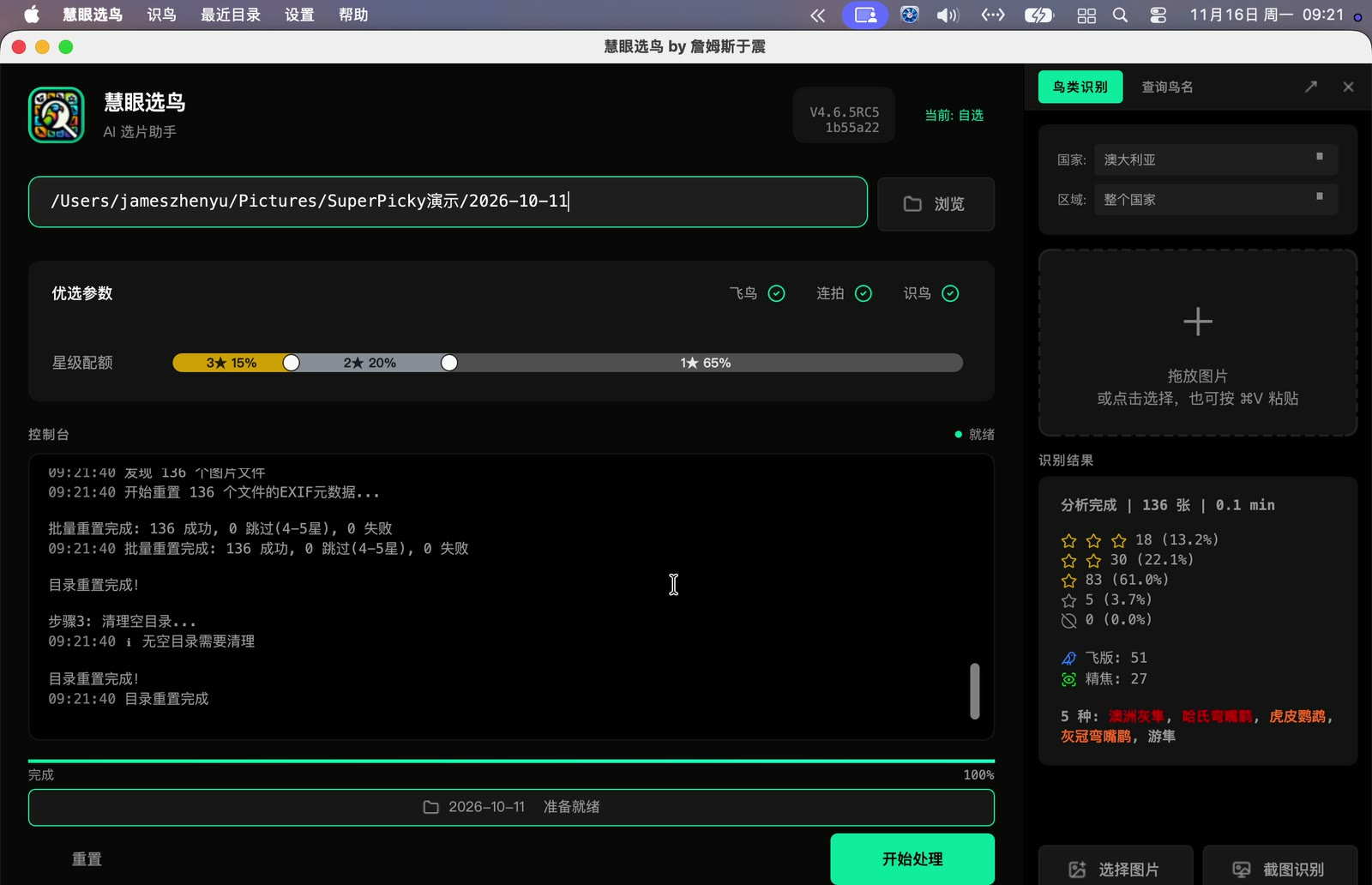
点主界面左下角的 重置 并确认,照片会移回原来的位置,写入的评分和临时文件被清掉,文件夹回到选片之前的样子。
Click Reset at the bottom left and confirm. Photos move back to where they were, written ratings and temporary files are cleared, and the folder returns to its pre-cull state.
选片数据保存在照片文件夹里一个隐藏的 .superpicky 文件夹,结果浏览器靠它快速打开。Culling data lives in a hidden .superpicky folder inside the photo folder; the Result Browser uses it to open quickly.