把这趟拍到了什么分享给鸟友,或把记录导入 eBird。Share what you saw with friends, or upload your sightings to eBird.
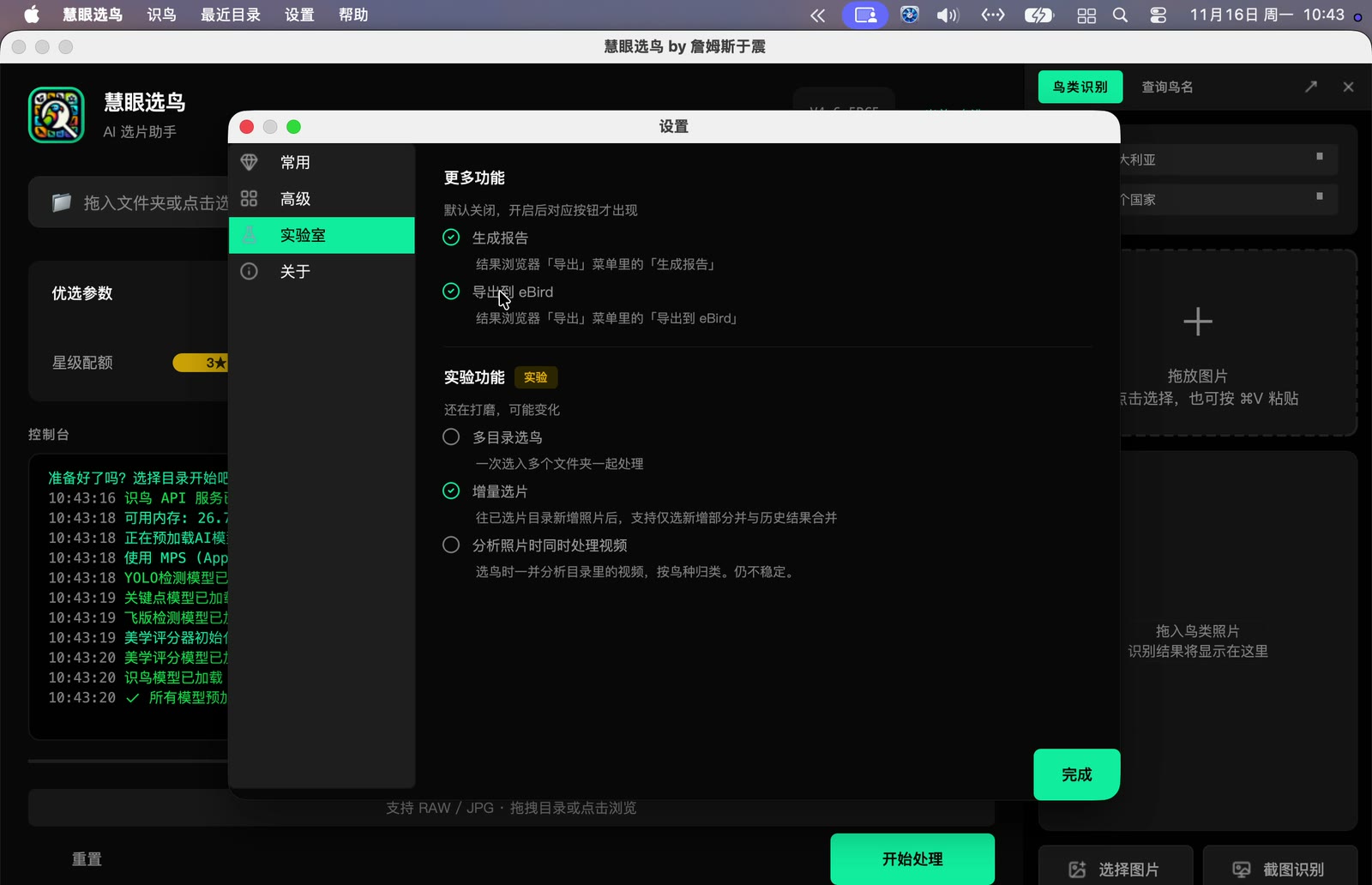
这两个功能默认隐藏。先在 设置 → 实验室 打开 生成报告 和 导出到 eBird,然后照常选一次片,打开结果浏览器。
Both are hidden by default. Turn on Reports and Export to eBird in Settings → Labs, cull as usual, then open the Result Browser.
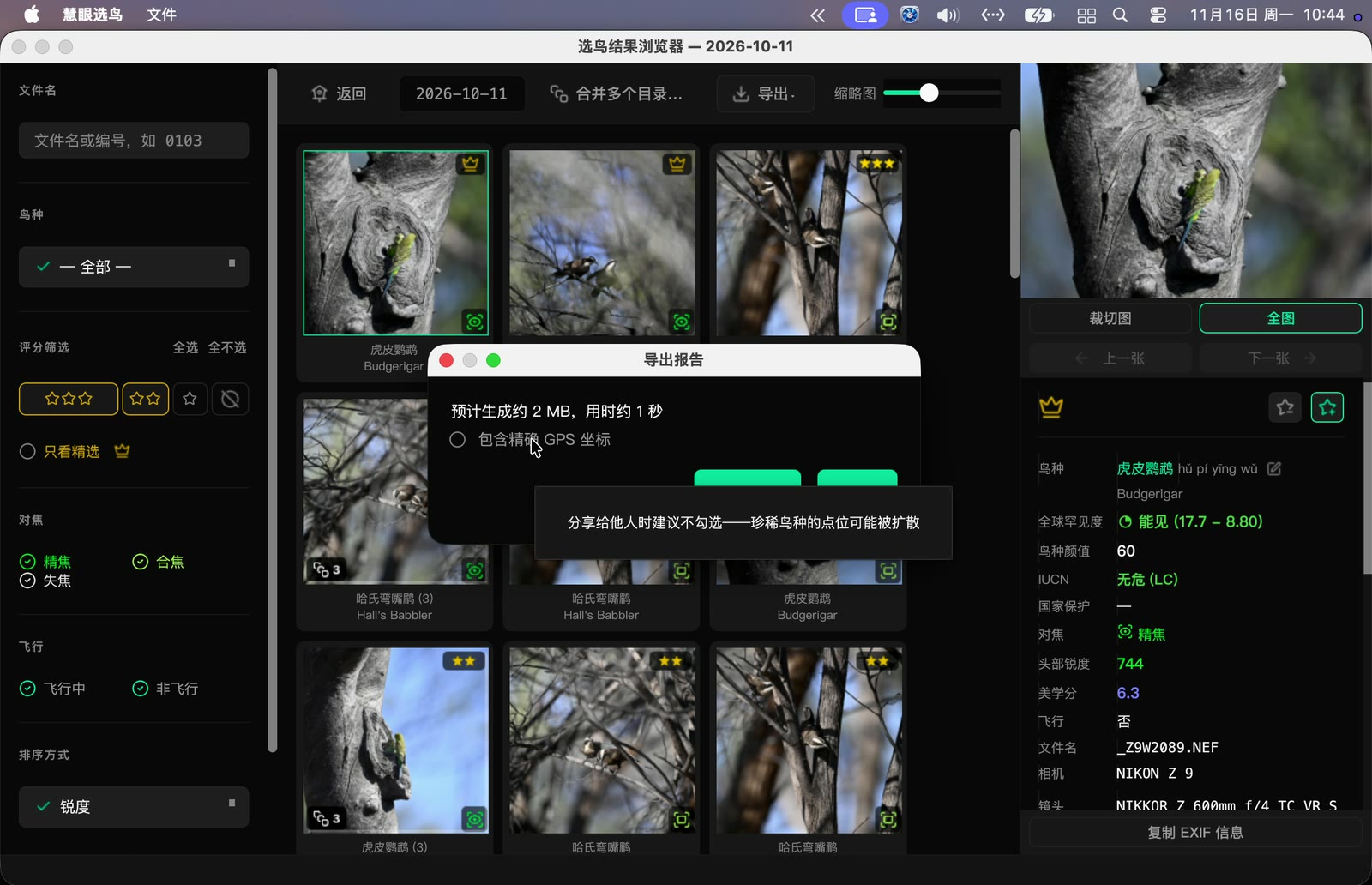
点顶部的 导出 → 生成分享报告。对话框会估算报告大小。要分享给别人,建议 不要勾选包含精确 GPS 坐标,免得珍稀鸟种的位置被传出去。
报告是一个 独立的网页文件,保存在选片目录里,包含封面、统计和每个鸟种的精选照片,发给鸟友用手机也能打开。
Click Export → Create share report. The dialog estimates the size. When sharing, leave Include precise GPS unticked so sensitive species’ locations don’t spread.
The report is a single self-contained web page saved in the culled folder — cover, statistics and the best photos of each species — and opens fine on a phone.
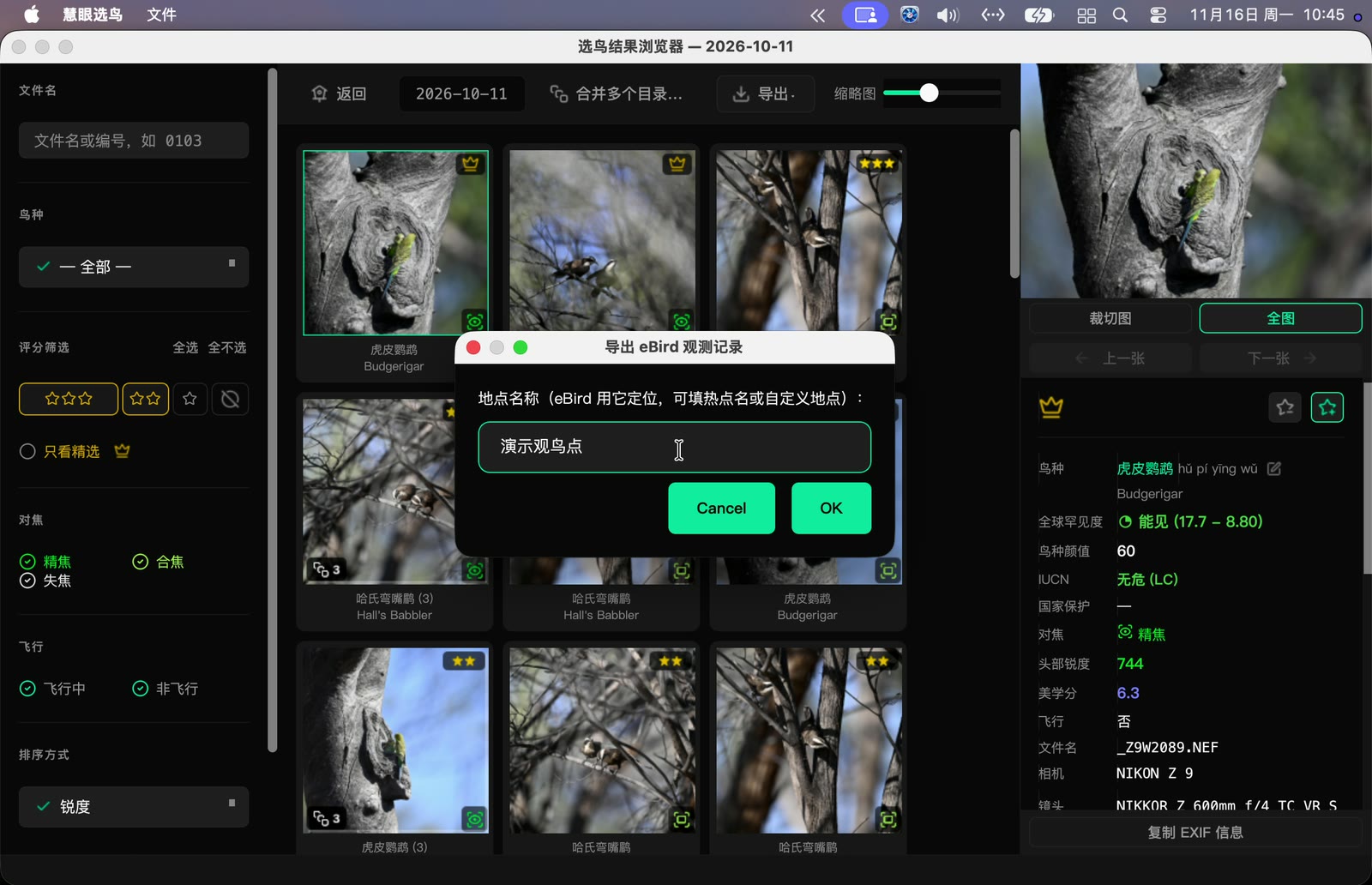
点 导出 → 导出 eBird 记录,填一个地点名称(eBird 热点名或自己起的名字),选好位置保存,得到一个 CSV 文件,每个鸟种一条观测记录,带时间和坐标。
到 eBird 网站选择 导入数据,格式选 eBird Record Format,上传这个文件即可。
Click Export → Export eBird records, enter a location name (an eBird hotspot or your own), and save. You get a CSV with one observation per species, including time and coordinates.
On the eBird website choose Submit → Import data, format eBird Record Format, and upload the file.
导出菜单里还有 导入照片 App,可以把选好的照片直接送进 macOS 的“照片”。The Export menu also has Import to Photos, which sends the selected photos straight into the macOS Photos app.