全屏看对焦、两张对比、批量改评分和删除——日常选片最常用的几个动作。Fullscreen focus checks, side-by-side comparison, batch rating and deleting — the everyday actions.
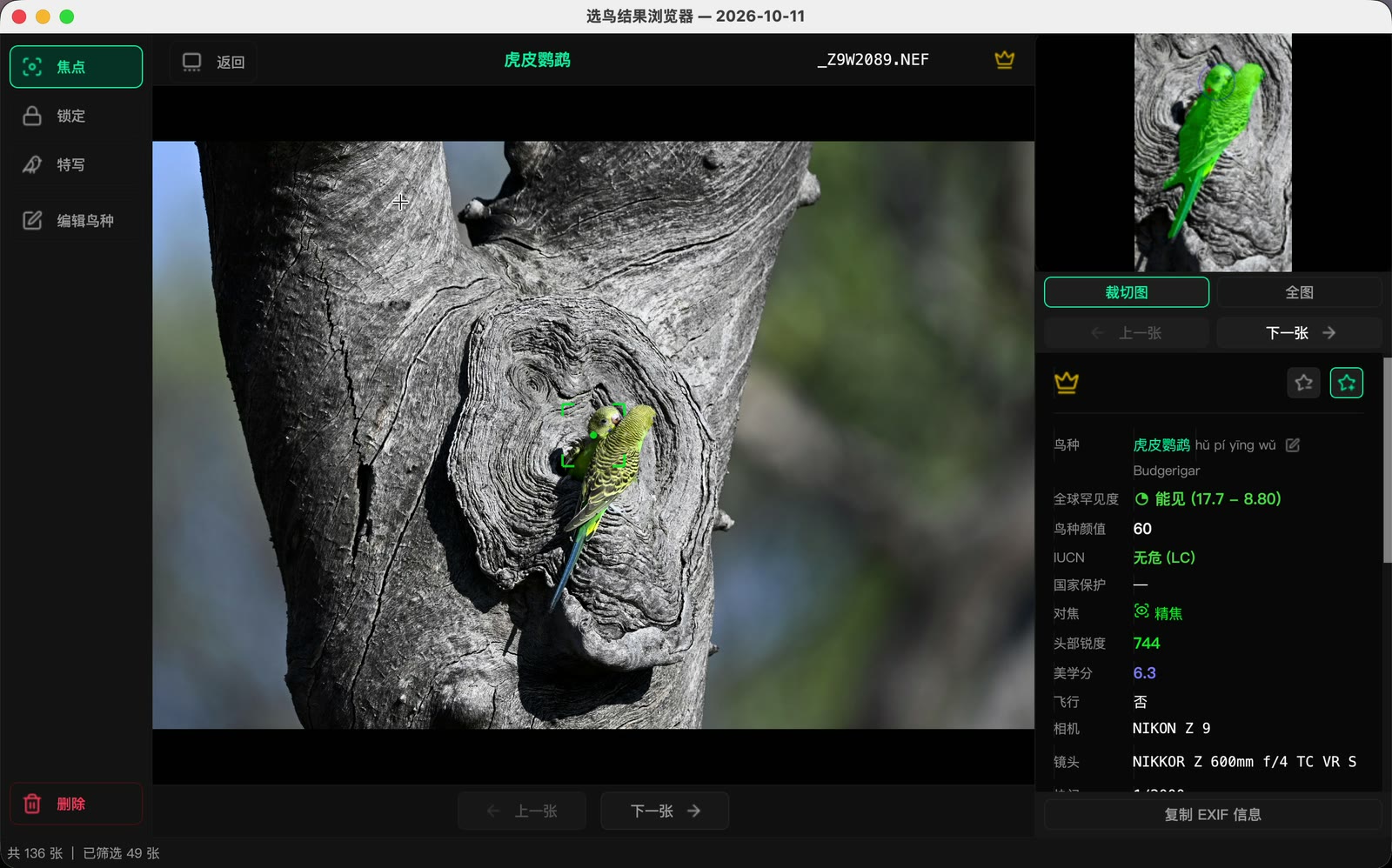
双击任意缩略图进入全屏。照片上的 绿色方框 是相机记录的对焦点。
按 Z 直接放大到 100%,看眼睛和羽毛清不清楚;再按一次回到全图。用 ← → 翻看,左边工具栏可以改鸟种、删除照片,按 Esc 退出。
Double-click any thumbnail for fullscreen. The green box is the focus point recorded by the camera.
Press Z to zoom to 100% and check the eye and feathers; press it again to fit. Use ← → to browse; the left toolbar changes species or deletes; Esc exits.
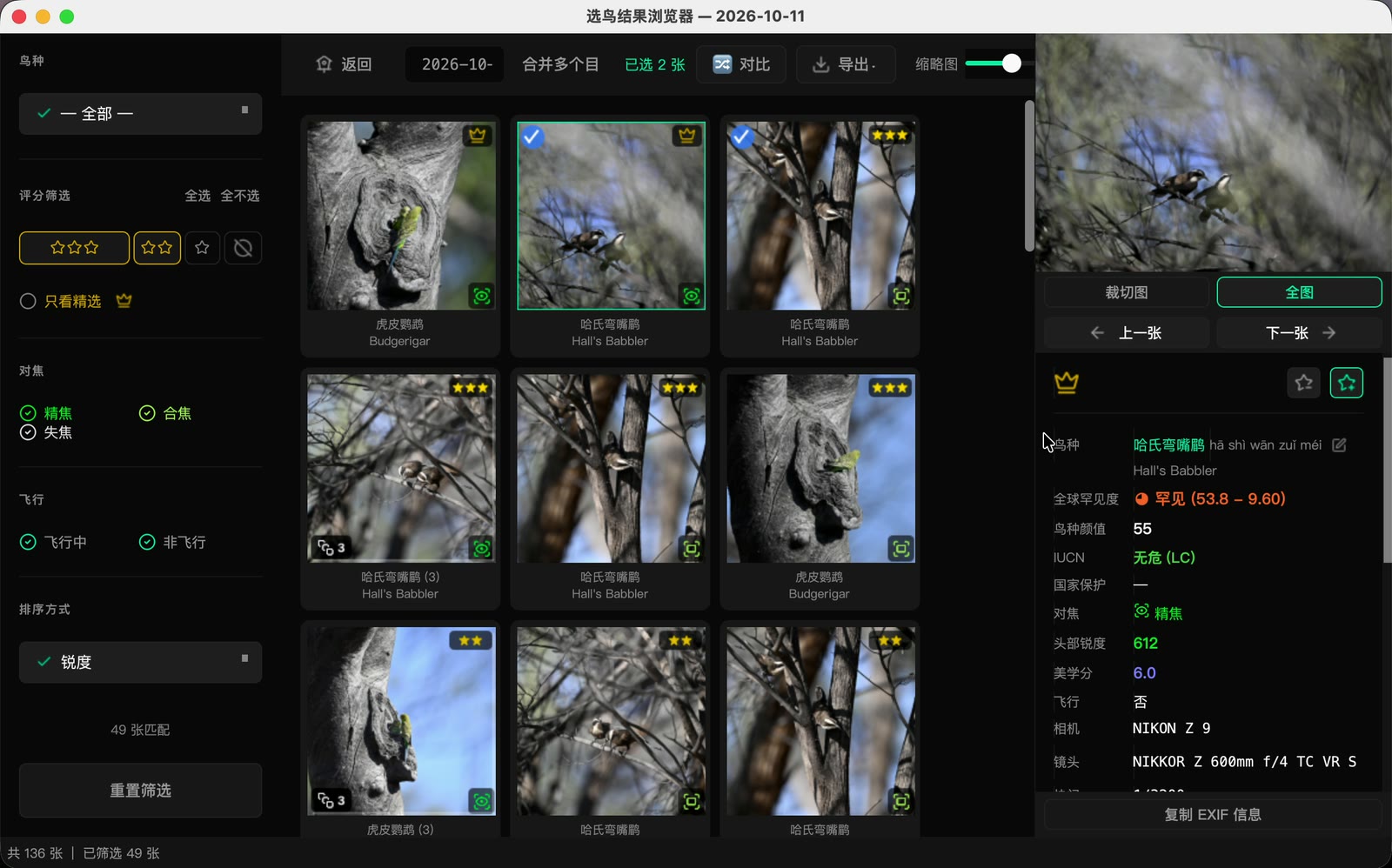
点一张,按住 ⌘ 再点另一张,然后按 C 或点 对比。两张并排显示,下面可以直接打分,按 Esc 返回。
Click one photo, ⌘-click another, then press C or click Compare. They appear side by side with rating controls underneath; Esc returns.
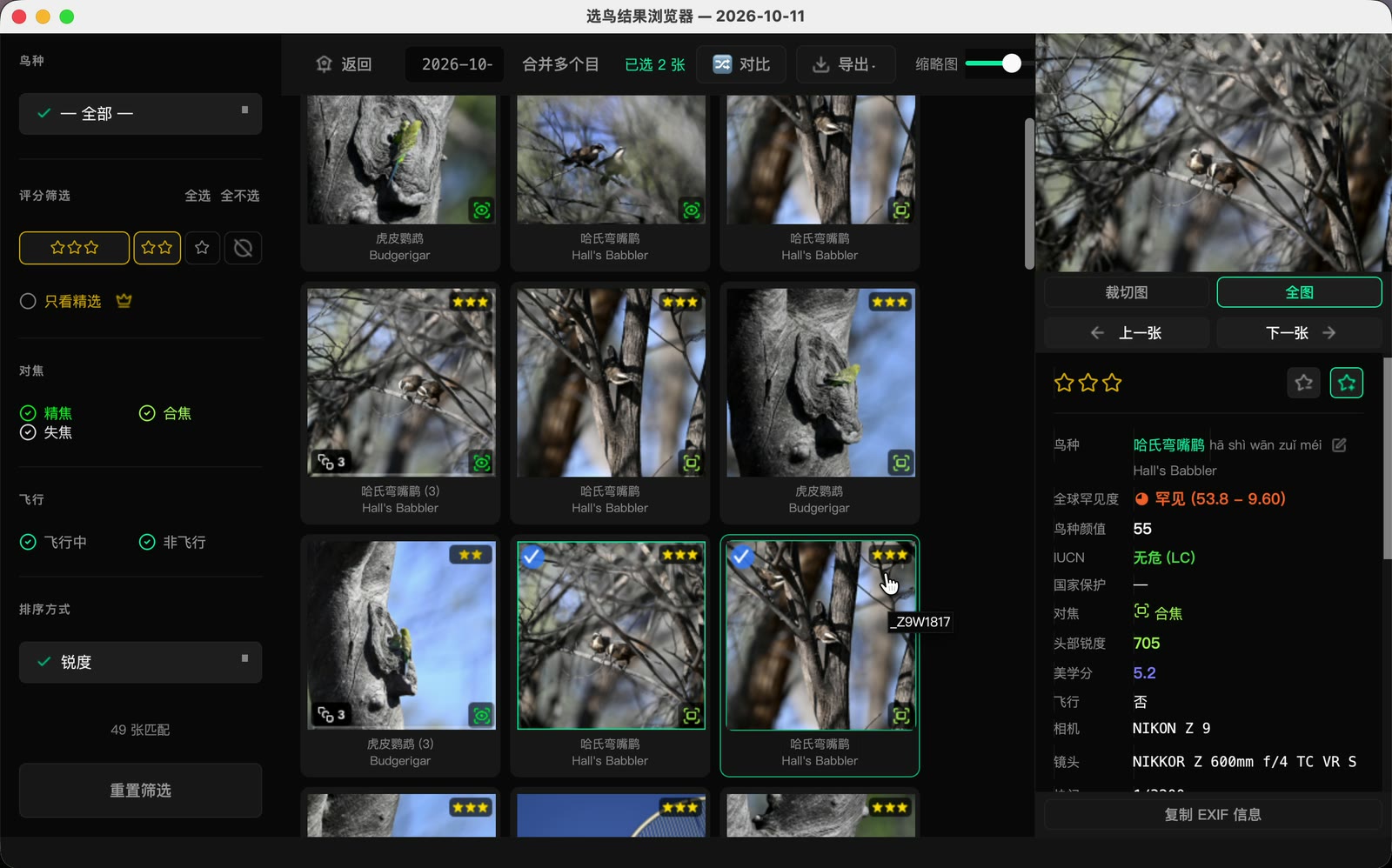
选中几张照片,按数字键 0–5,或右键选 设置星级,一次全部改好。缩略图立即更新,写回照片的评分也会一起修改。
Select several photos and press 0–5, or right-click → Set rating. Thumbnails update immediately and the rating written to the files changes too.
删除在右键菜单里。删除确认框可以选 移到废纸篓(默认,可以放回原处)或 永久删除(更快,但无法恢复)。多张删除在后台进行,有进度条,可以取消。
Delete is in the right-click menu. The confirmation offers Move to Trash (default, recoverable) or Delete permanently (faster, not recoverable). Multi-file deletes run in the background with a progress bar and can be cancelled.
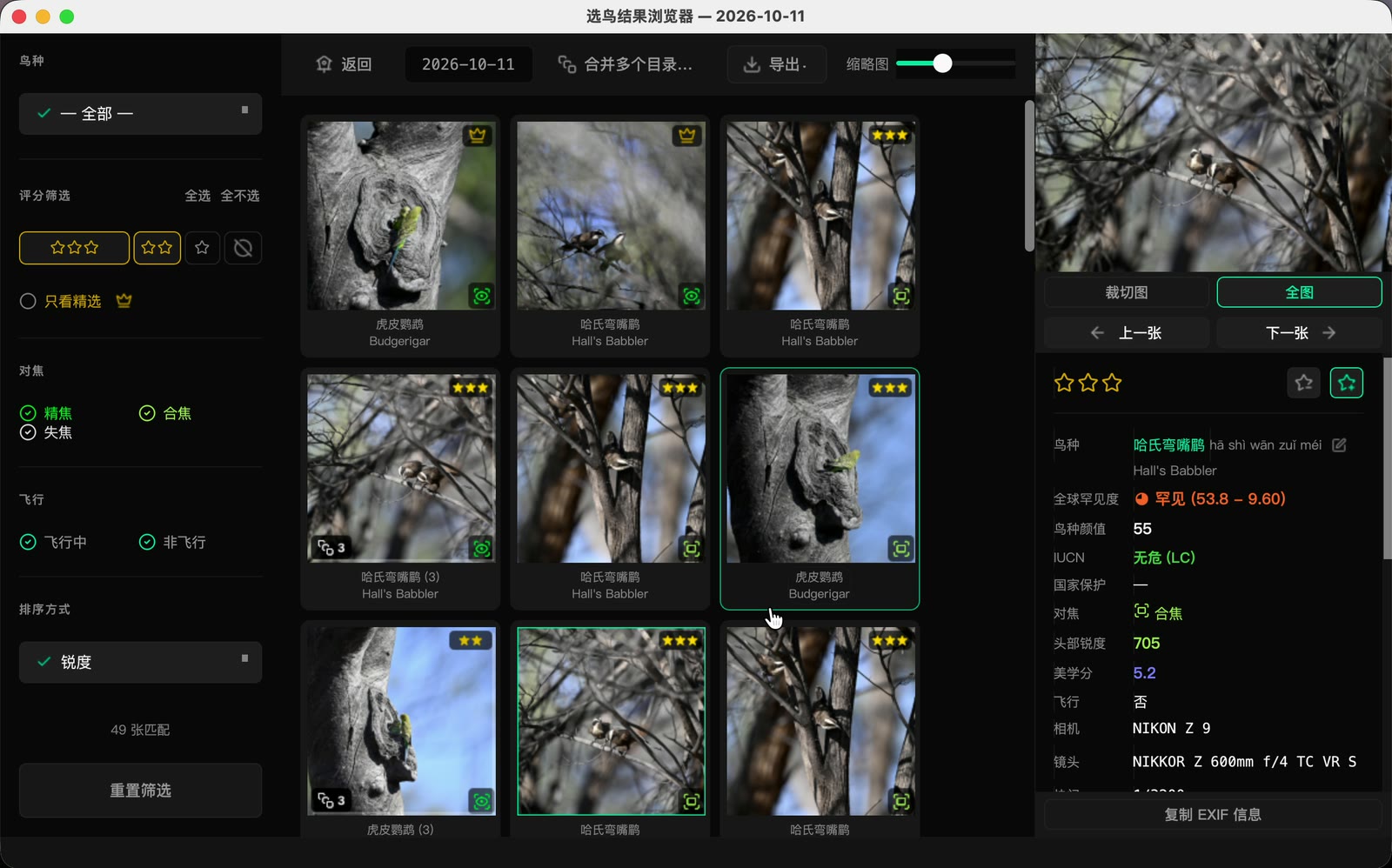
删除的是整理后目录里的 原始文件。删的是折叠的连拍时会删掉整组(见 第 06 章)。永久删除前请确认已有备份。Deleting removes the original files in the organized folders, and a collapsed burst is deleted as a whole (see Chapter 06). Make sure you have a backup before deleting permanently.