飞版单独标记,连拍自动分组,从几十张差不多的照片里挑出最好的一帧。Flight shots get tagged and bursts grouped, so you stop comparing dozens of near-identical frames.
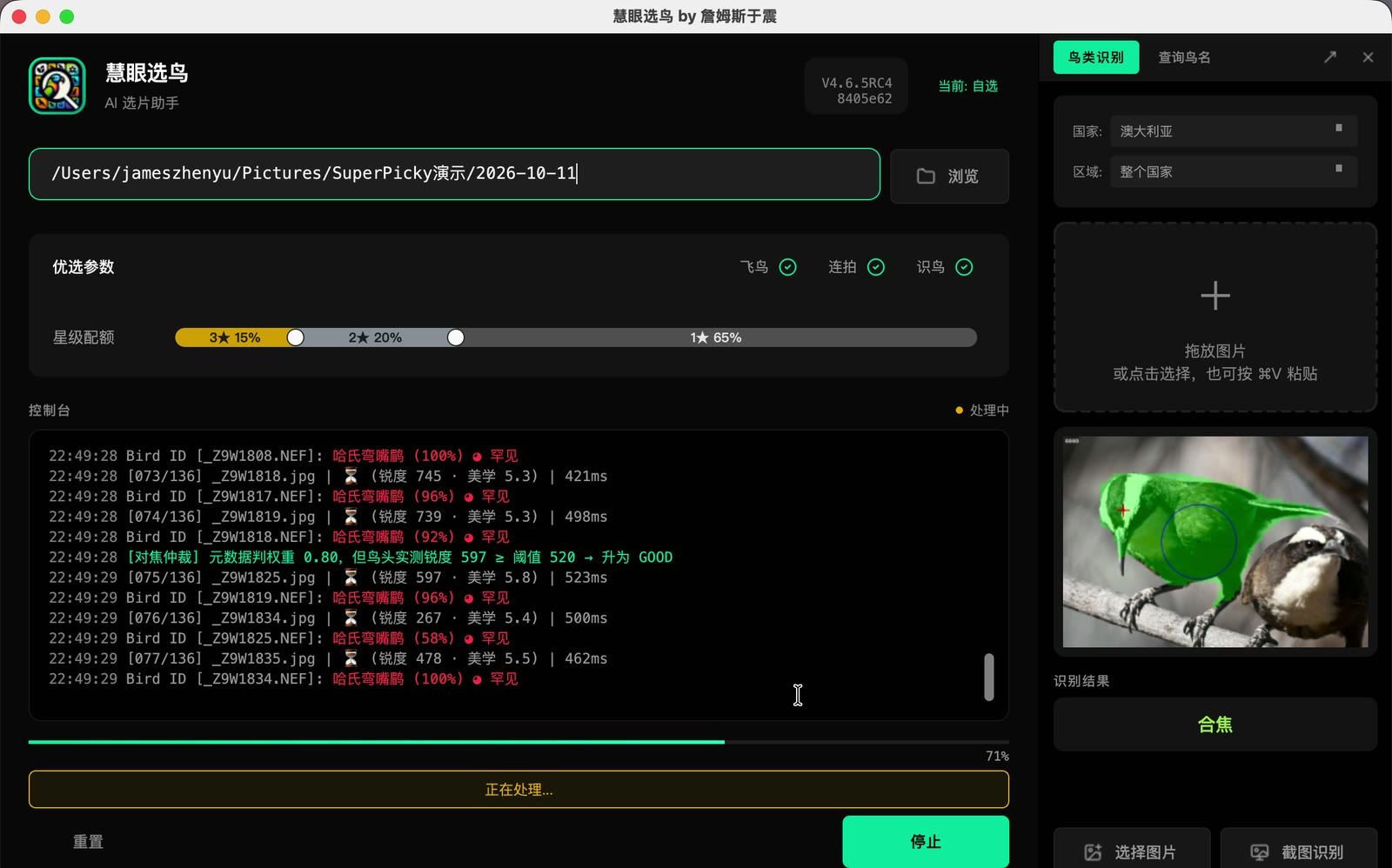
主界面上的 飞鸟 和 连拍 开关默认打开,处理前确认一下。
处理时,飞版模型判断每张照片里的鸟是否在飞;同时软件根据拍摄间隔和画面相似度,把一连串连拍归成一组。
The Flight and Burst toggles are on by default — check them before you start.
During processing a dedicated model detects flight, while shooting intervals and image similarity are used to group bursts.
在结果浏览器左栏的飞行筛选里取消 非飞行,就只剩飞版。
飞版排名时有少量加分,选片备注里写着“飞行中加分”。写回照片时飞版会打上 蓝色标签,在 Lightroom 里一眼就能找出来(见 第 07 章)。
In the flight filter on the left, untick Not flying to keep only flight shots.
Flight shots get a small ranking bonus (“in-flight bonus” in the notes) and a blue colour label when written back, so Lightroom can find them instantly (see Chapter 07).
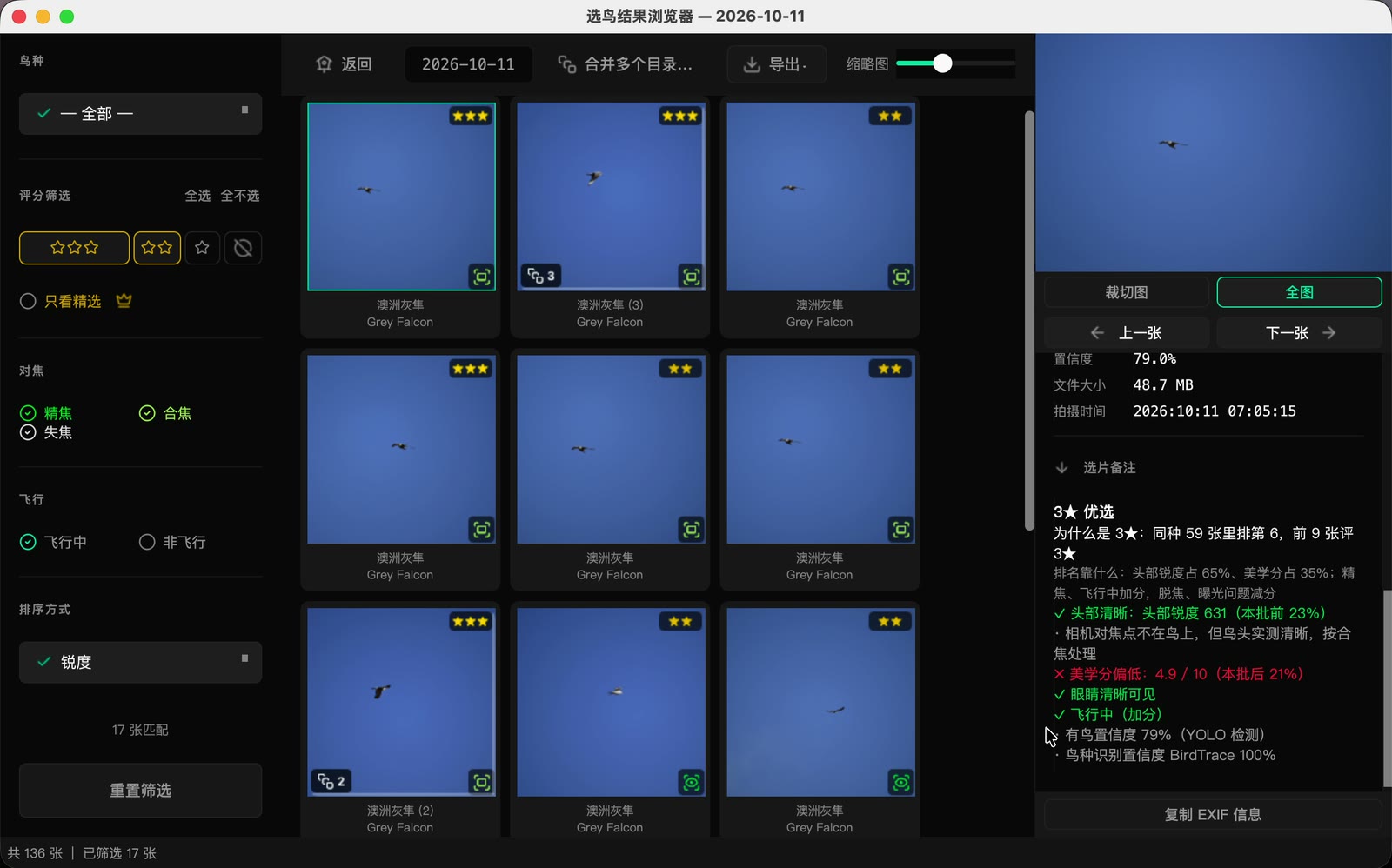
名字后面带数字的,比如“澳洲灰隼 (3)”,是一组折叠起来的连拍,网格里只显示其中最好的一张。点名字就能展开,每张的左下角标着它是第几张。
同一组连拍 最多两张三星,名次够但名额已满的会降为二星。
整理文件时,每组连拍放进单独的 burst 子文件夹,跟着组里星级最高的那张走。
A name followed by a number, such as “Species name (3)”, is a collapsed burst; the grid shows only its best frame. Click the name to expand it — each frame is numbered at the bottom left.
A burst gets at most two 3★; frames that rank high enough after the cap are lowered to 2★.
When files are organized, each burst goes into its own burst subfolder, following the burst’s highest-rated frame.
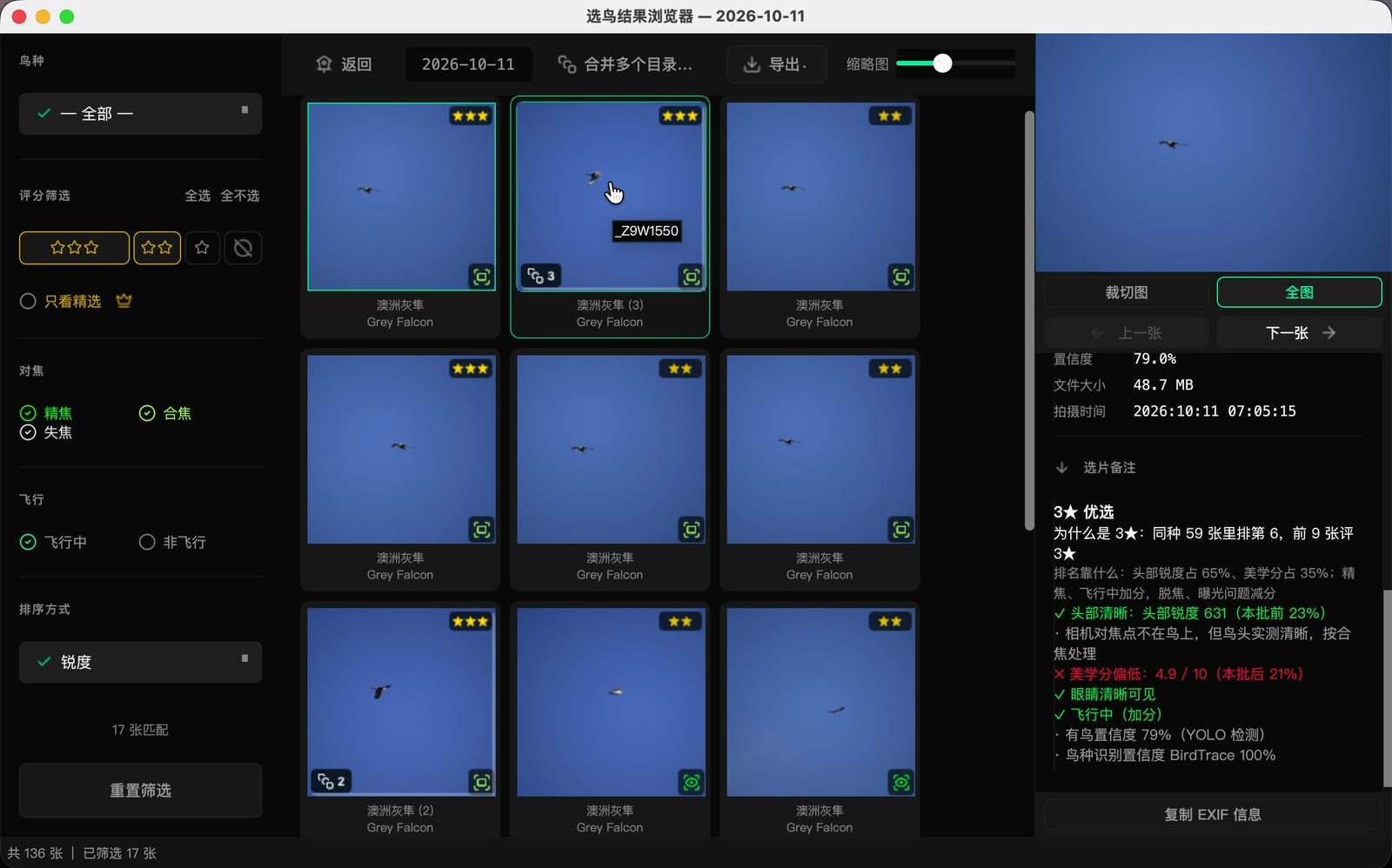
在浏览器里删除一张 折叠的连拍,会把 整组 一起删掉,删除前软件会提醒你。只想删其中几张,先展开再逐张选。Deleting a collapsed burst deletes the whole group (you will be warned first). To delete only some frames, expand it and pick them one by one.