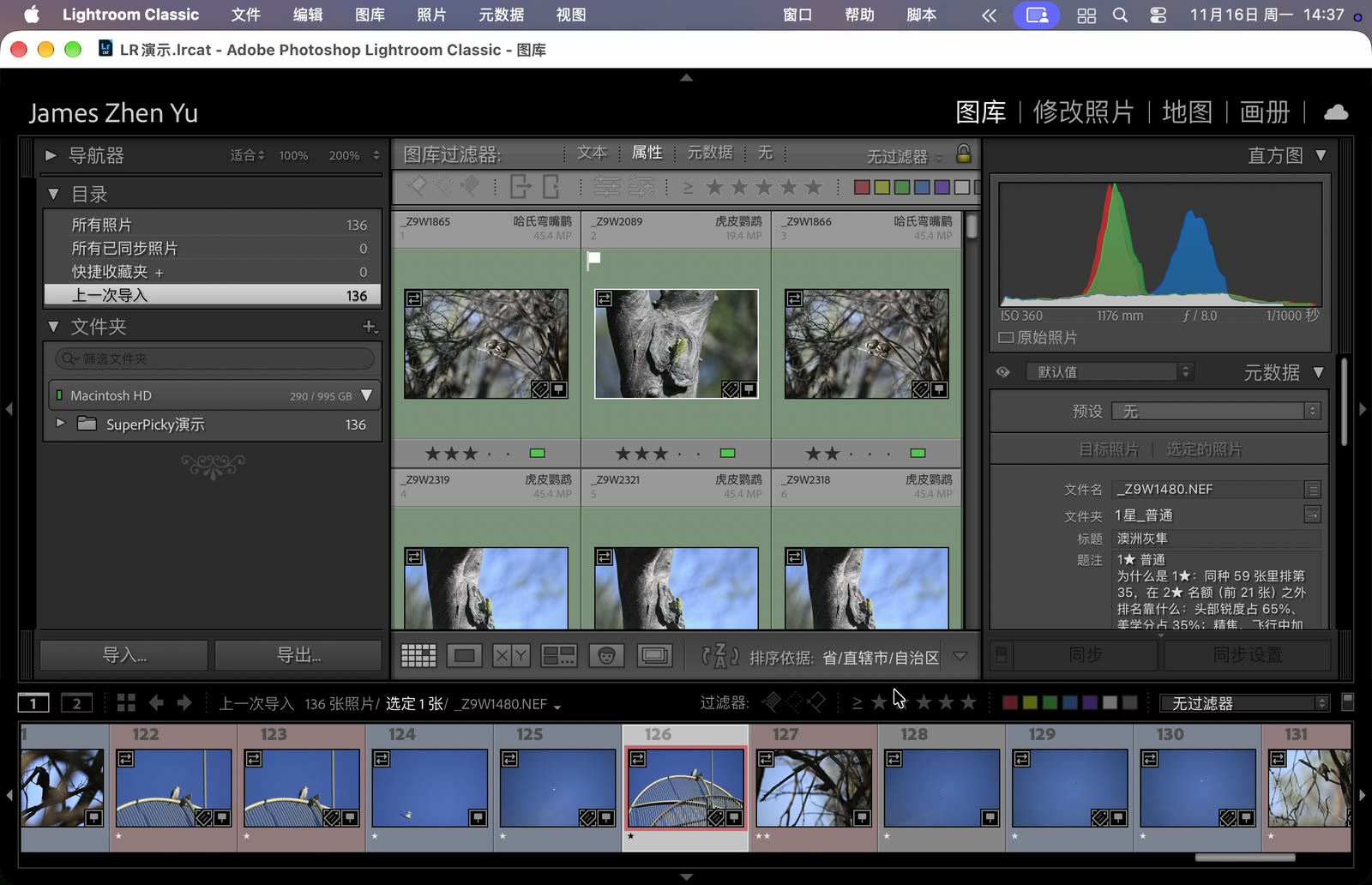
评分结果已经写进照片。在 Lightroom 里用星级、旗标、颜色和排序把它们用起来。The results are already in your files. Use stars, flags, colours and sorting in Lightroom Classic.
在 Lightroom 里导入选片的整个文件夹,子文件夹会一起导入。方式选 添加,照片留在原位,不会被移动。
每张照片的 标题 是鸟种,题注 里写着它为什么得这个分。
Import the whole culled folder (subfolders included) using Add, so photos stay where they are.
Each photo’s Title is the species, and its Caption explains the rating.
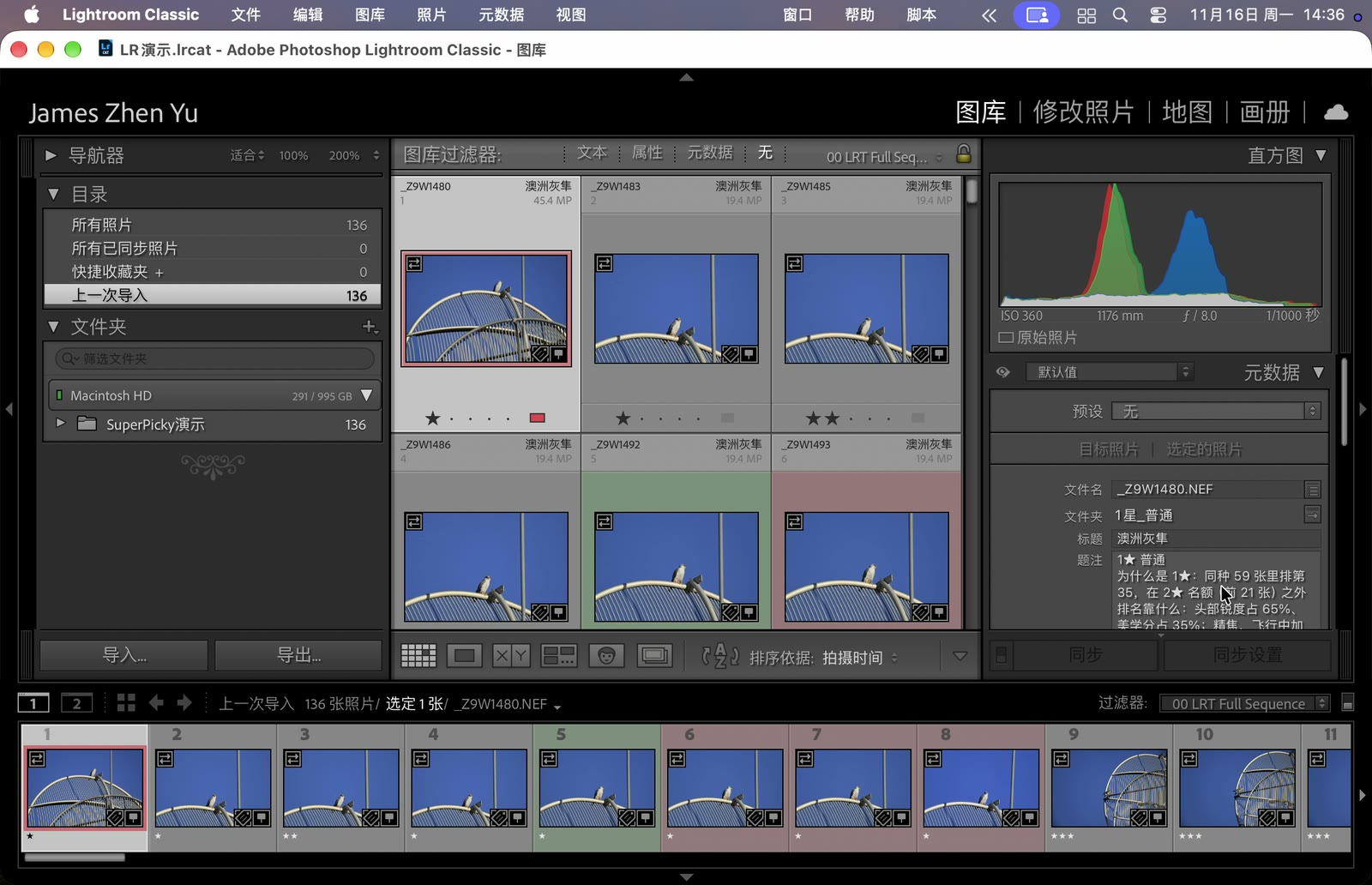
如果照片 之前已经导入过 Lightroom,选片后要在图库里全选,执行 元数据 → 从文件中读取元数据,新的星级和标签才会显示。If the photos were already in your catalog, select them all and run Metadata → Read Metadata from Files so the new ratings and labels show up.
星级已经跟着照片进来了。点过滤器栏的 属性,选三星,就只剩这次拍得最好的一批。
Ratings come in with the photos. Click Attribute in the filter bar and choose 3★ to see only the best of the shoot.
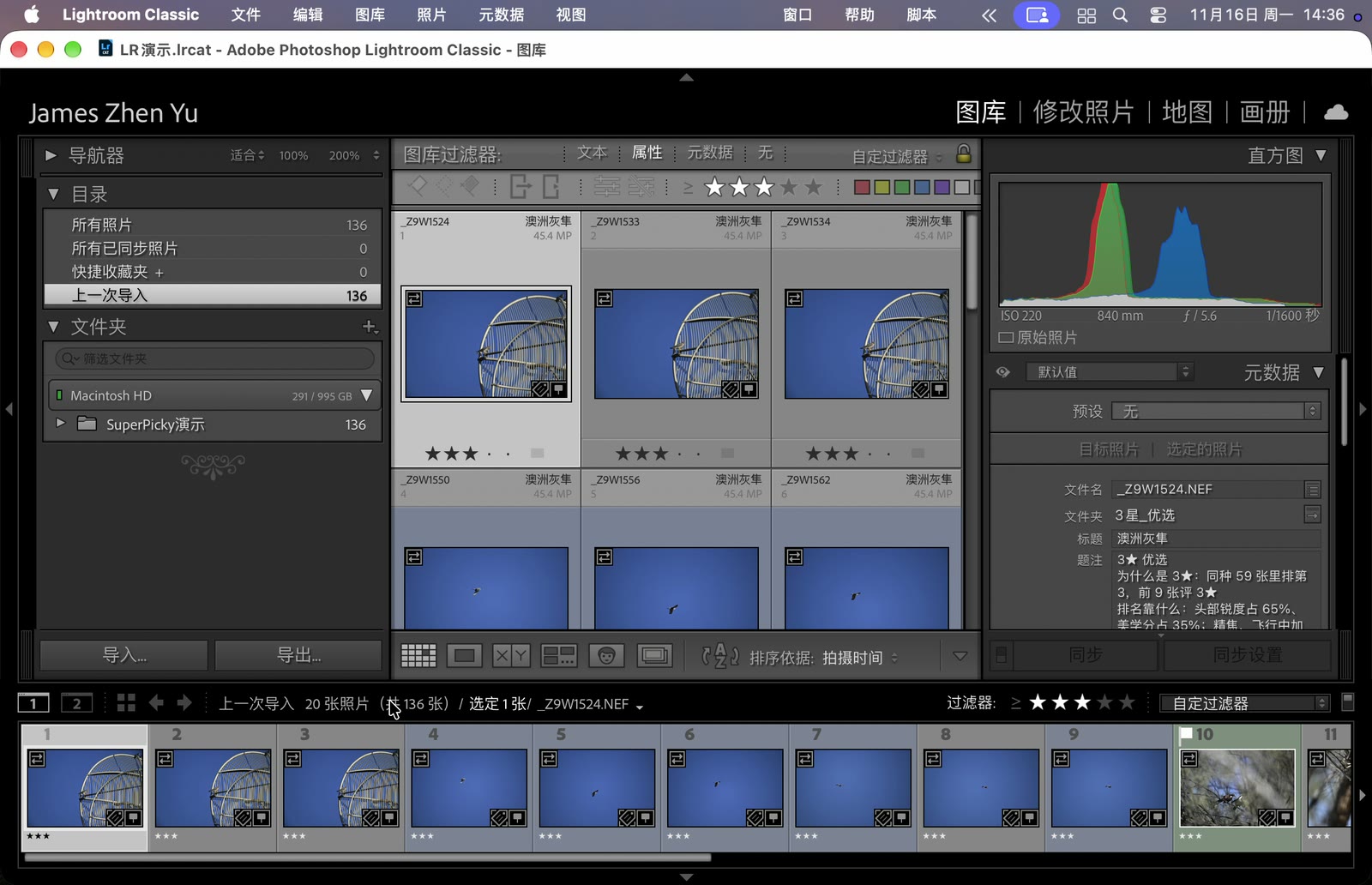
三星里最出色的几张带着 留用旗标,也就是精选。再点一下白旗,就只看精选。
The very best 3★ photos carry the Pick flag. Click the white flag to show only Picks.
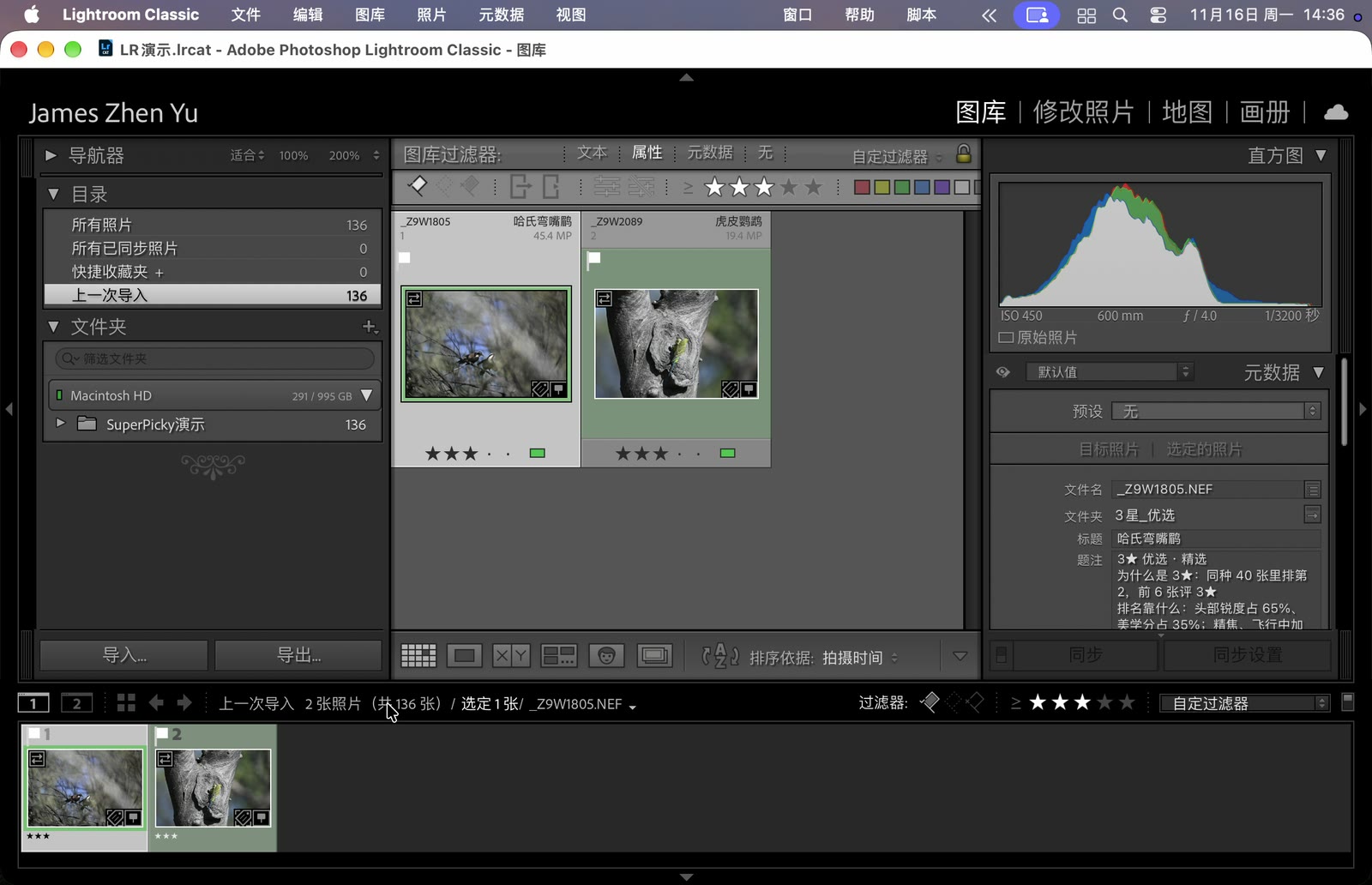
颜色标签对应对焦和飞行:
取消旗标和星级筛选后点绿色,就能挑出对焦最准的照片;点红色,把对焦有问题的照片集中起来处理。
Colour labels map to focus and flight:
Clear the flag and rating filters and click green for the sharpest-focused photos, or red to gather photos with focus problems.
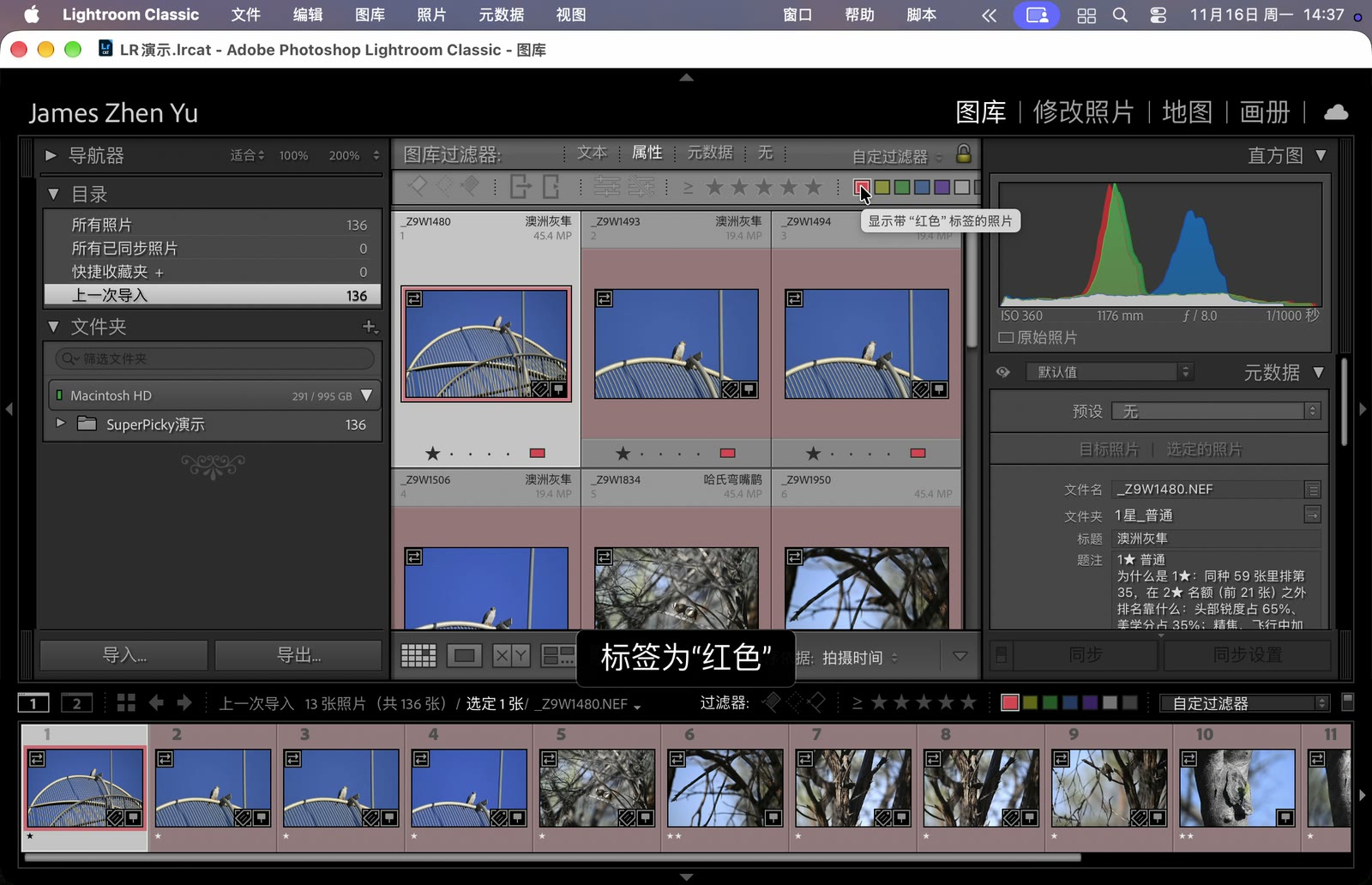
Lightroom 的 颜色标签集名字 要和慧眼选鸟的 界面语言 一致(例如中文界面对应“红色 / 绿色 / 蓝色”),颜色才会显示出来。Lightroom’s colour label set names must match SuperPicky’s interface language (e.g. “Red / Green / Blue” for English), or the colours won’t show.
点网格下方的 排序依据,选 星级,再改成降序,三星就排到最前面。
慧眼选鸟把 头部锐度写进了“城市”、美学分写进了“省份”。排序选城市就是按锐度从高到低,选省份就是按美学分。
Use Sort below the grid, choose Rating and switch to descending to put 3★ first.
SuperPicky writes head sharpness into City and aesthetics into State/Province, so sorting by City ranks by sharpness and by State by aesthetics.