CHAPTER 02 / 17

下载:选对版本Download the Right Version

安装包有好几个版本,选对最重要:Mac 看芯片,Windows 看显卡,RTX 50 系列选 CU130。There are several builds. Mac users check the chip, Windows users check the GPU — and RTX 50 cards need CU130.

VIDEO 02 · 1:50 本章内容的视频版,中文配音、带字幕。The video version of this chapter (Chinese narration with subtitles). 全部视频 →All videos →

MacMac

打开官网 superpicky.app,往下翻到下载区。

  • M1–M5 等苹果芯片:选 Apple Silicon 版。
  • 2020 年以前的 Intel Mac:选 Intel 版。它用 CPU 运行,安装包也大一些。

Open superpicky.app and scroll to the download section.
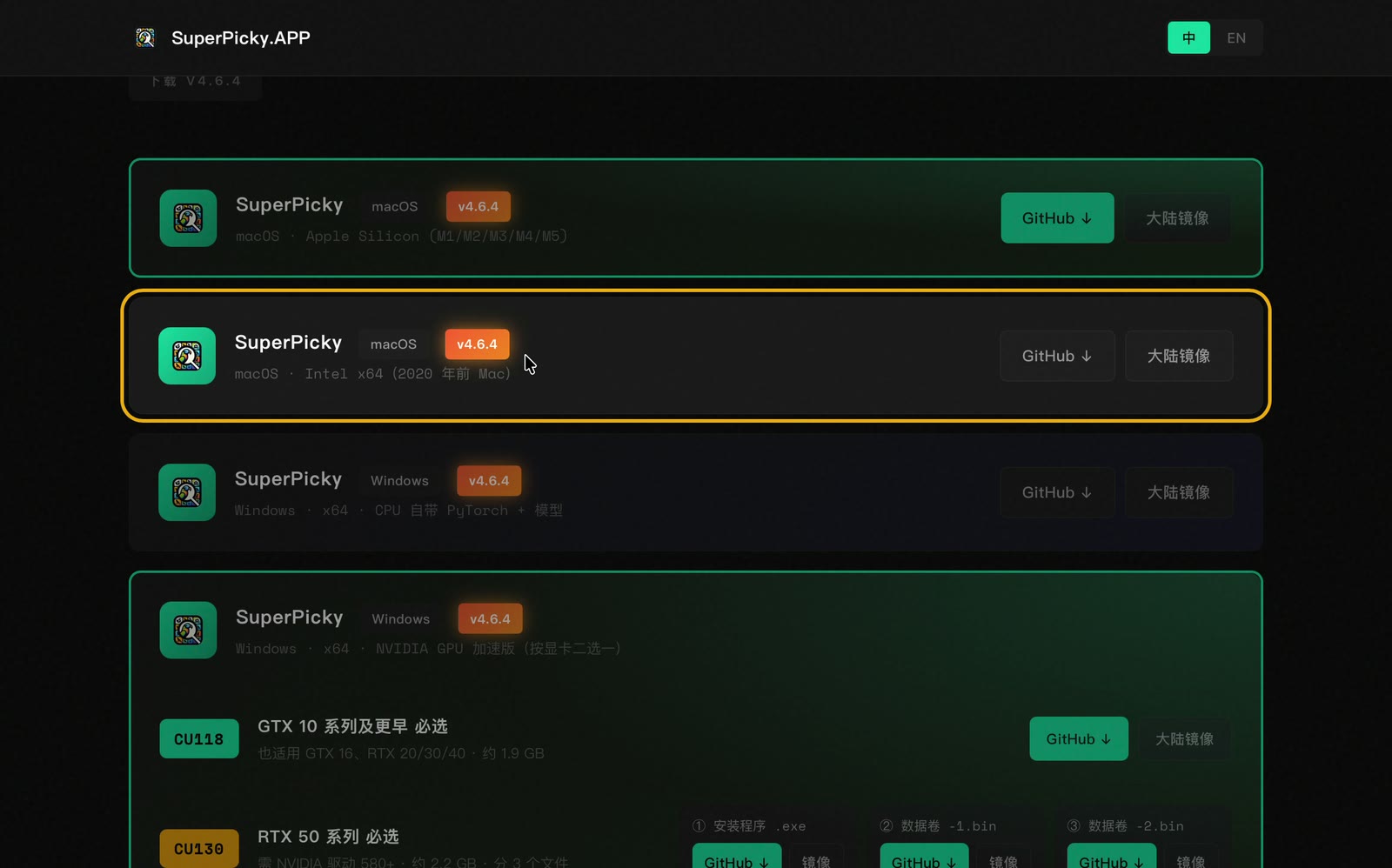
  • Apple silicon (M1–M5): choose the Apple Silicon build.
  • Intel Macs (pre-2020): choose the Intel build. It runs on the CPU and the installer is larger.
Mac

WindowsWindows

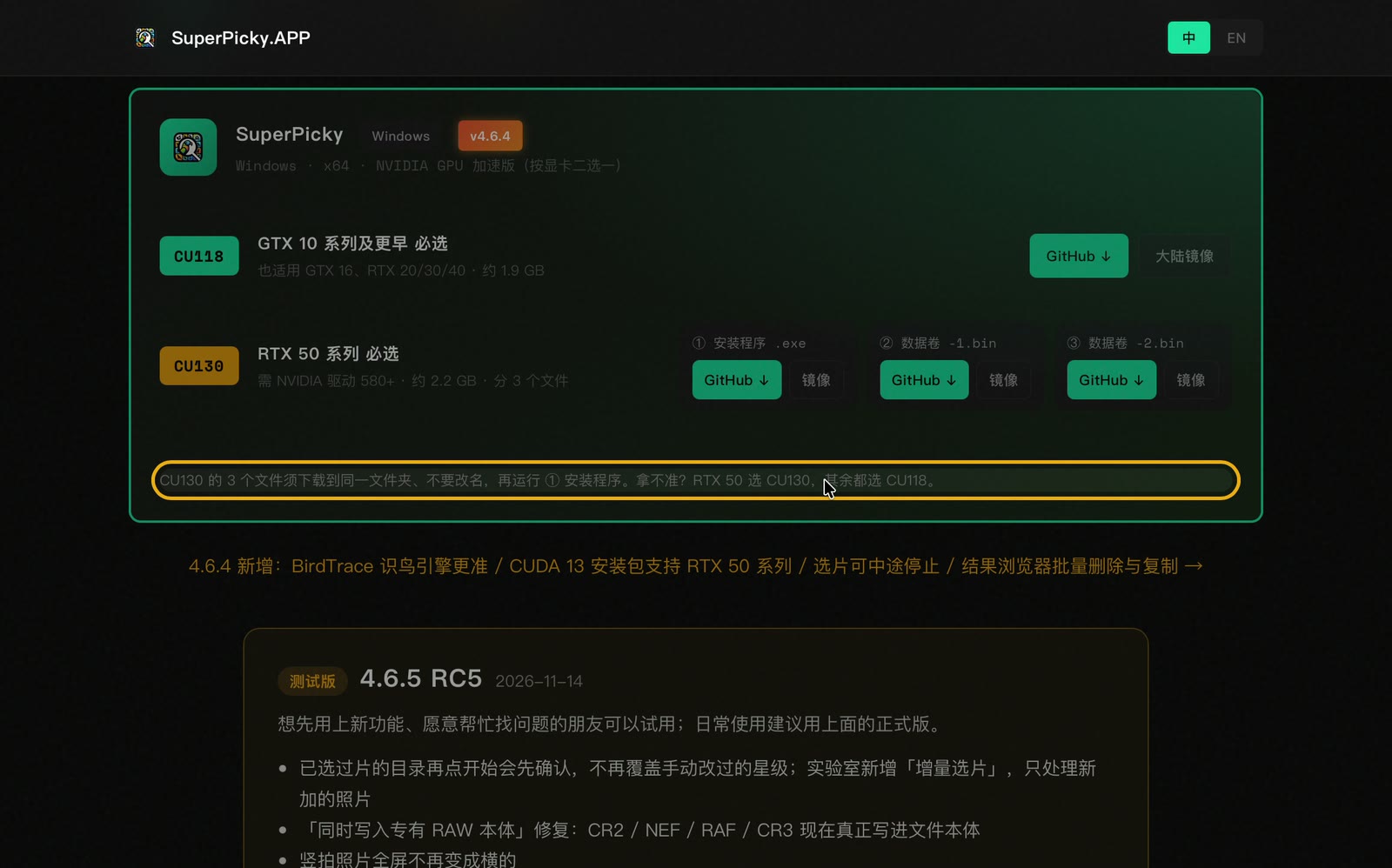
  • 没有 NVIDIA 显卡:选 CPU 版,模型都打包在里面,装好就能用。
  • 有 NVIDIA 显卡:选 GPU 加速版,处理快很多。要分清 CU118 和 CU130:
  • CU118:GTX 10 系列及更早的显卡,以及 GTX 16、RTX 20 / 30 / 40 系列。
  • CU130:RTX 50 系列必须选它,显卡驱动要 580 或更新。它分成三个文件,下载到同一个文件夹、不要改名,然后运行第一个安装程序。
  • No NVIDIA GPU: choose the CPU build. Models are bundled; it works right after install.
  • NVIDIA GPU: choose a GPU build — much faster. Pick the right CUDA flavour:
  • CU118: GTX 10 series and older, plus GTX 16 and RTX 20 / 30 / 40 series.
  • CU130: required for RTX 50 series, with driver 580 or newer. It comes as three files — download them into the same folder without renaming, then run the first installer.
Windows
提示Tip

拿不准就记一句话:RTX 50 系列选 CU130,其余都选 CU118。Rule of thumb: RTX 50 series → CU130; everything else → CU118.

下载渠道Download mirrors

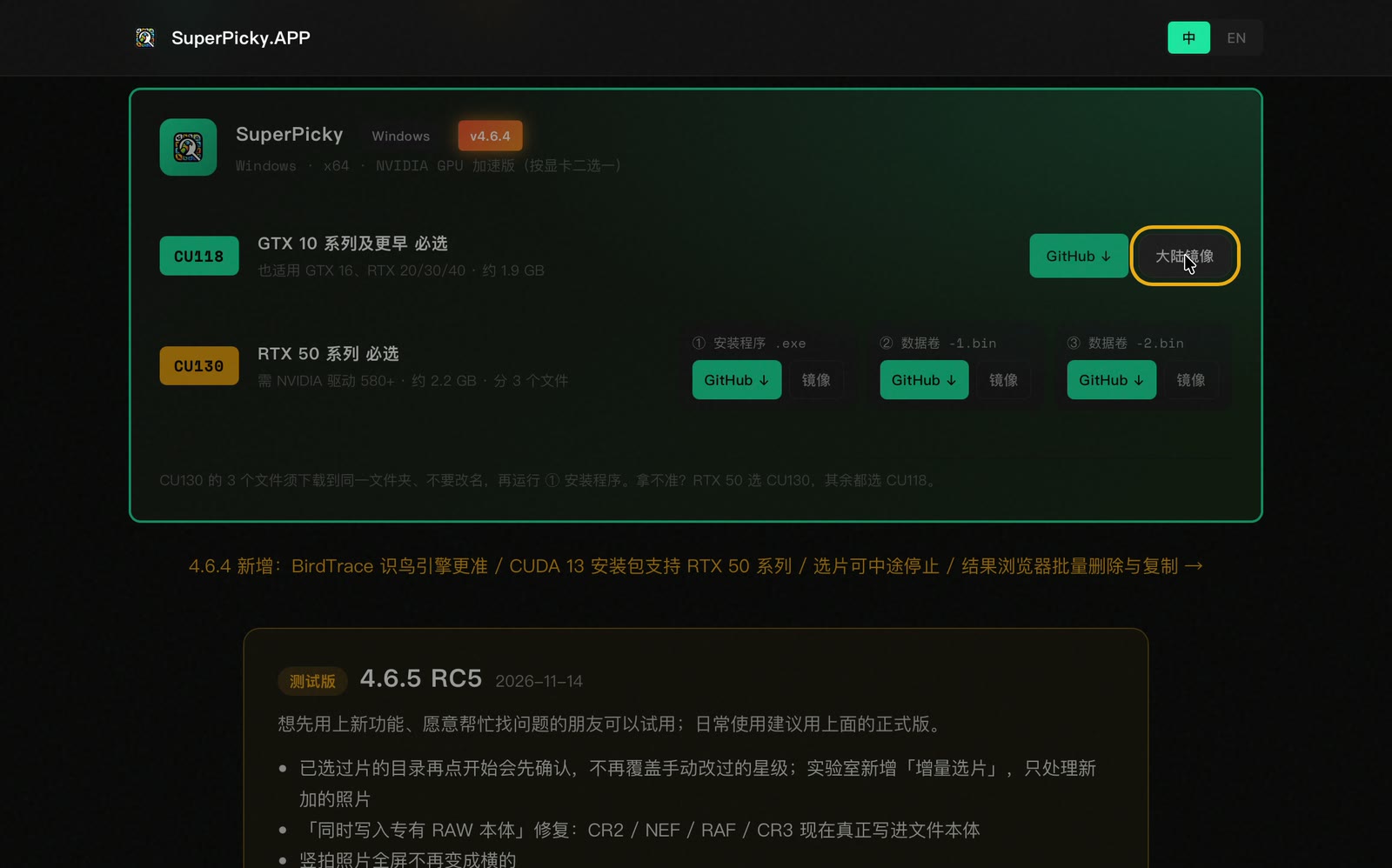
每个版本都有 GitHub 和 大陆镜像 两个下载按钮。在国内下载慢的话,点大陆镜像。

Every build has a GitHub button and a mainland China mirror button. Use the mirror if GitHub is slow where you are.
下载渠道

测试版Beta builds

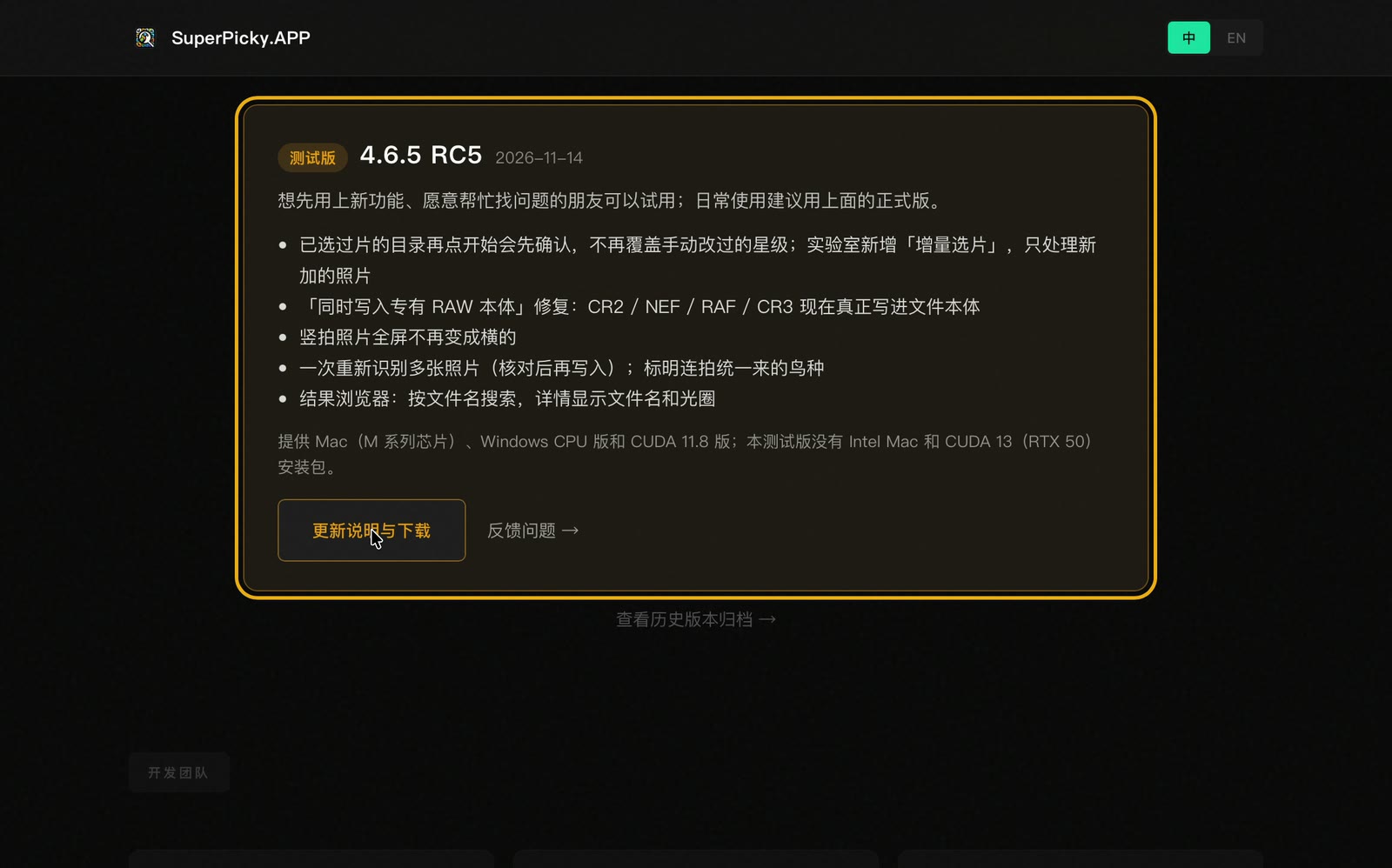
下载区下方是测试版,想先体验新功能可以从这里到 GitHub 下载。测试版没有 Intel Mac 和 CU130 的安装包,日常使用建议用正式版。

Below the main cards are the beta builds on GitHub, for anyone who wants new features early. Betas have no Intel Mac or CU130 installers; the stable release is recommended for everyday use.
测试版

安装Install

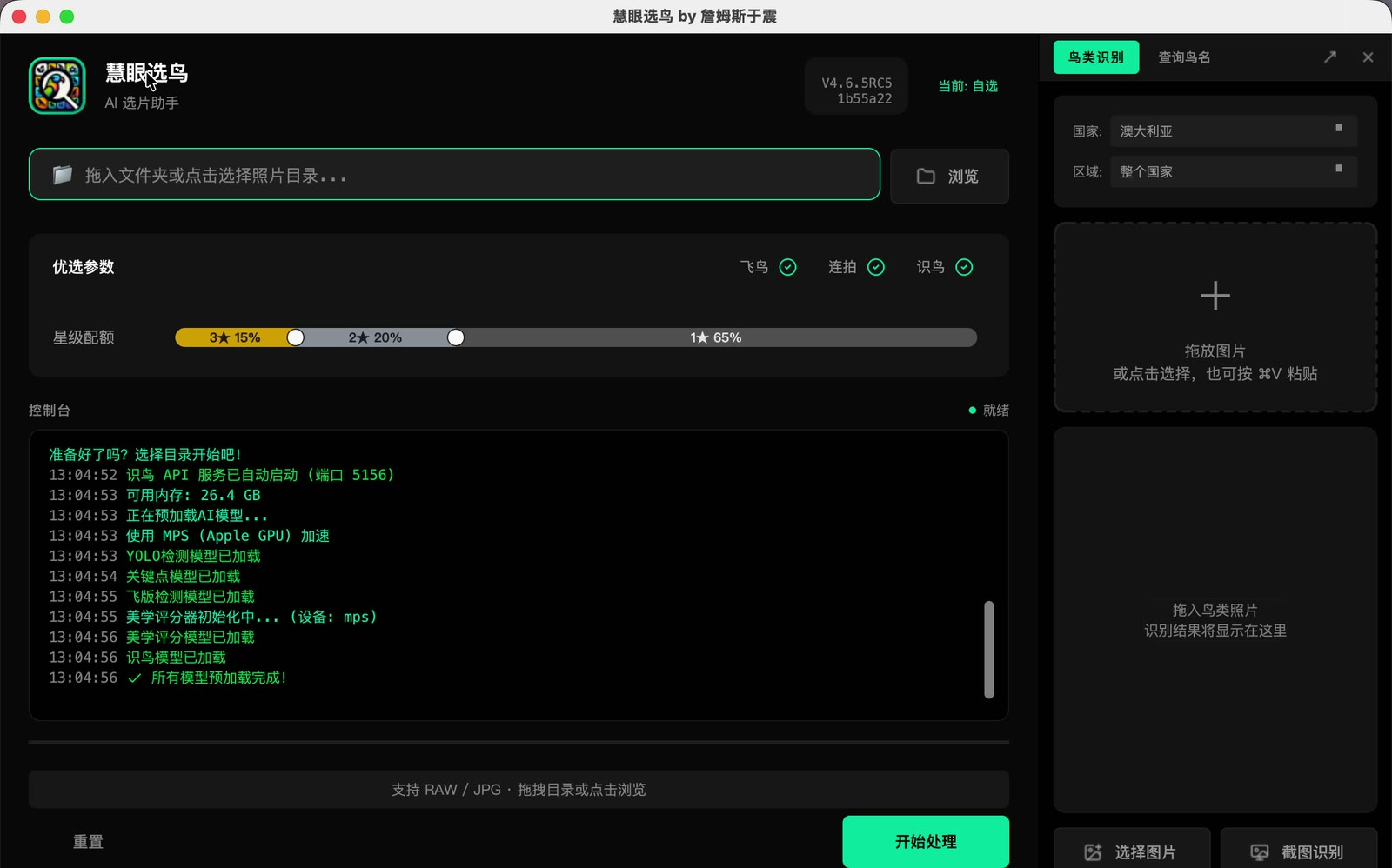
双击安装包,按提示一步步安装即可。第一次打开会有欢迎向导,用默认设置就好。

首次启动需要加载模型,会比之后慢一些,属于正常现象。

Double-click the installer and follow the steps. The first launch shows a welcome wizard; the defaults are fine.

The first launch loads the models and is slower than later launches — that is normal.
安装